Borderless Banking
For Global Citizens
TranxPay is your mobile banking buddy — everything you need to transact globally and locally, from a single simple app.
- Role
- UI/UX Design
- Timeline
- 6 months
- Responsibilities
- Research · Visual Design · Usability Testing
Global banking for expatriates
Opening a US bank account without a US visa is a formidable barrier. Expatriates need a seamless way to send money home and manage their finances on the move — without the paperwork, the waiting, or the fees.

Online account opening
In-person account opening
Eliminate the wait — deliver top-notch financial services
To get there I ran open-ended conversations with real expatriates — understanding the friction in existing apps, what they actually needed, and where we could help.
The priority became a secure, low-friction way to manage money and access funds on a global scale.
End-to-end product design process
The process I followed to take TranxPay from a problem to a shipped MVP.
Research
- Problem exploration
- Foundational research
- User interviews
- Persona building
- Card sorting (IA)
- Competitor analysis
Design
- Sketches
- Branding
- User flows
- UX flows
- High-fidelity design
- Prototype
Usability testing
- Guided tasks
- Unguided tasks
- Behaviour analysis
- Insights
A/B testing
- Home screen
- Recipient flow
- User segmentation
- Subscriptions
Insights from user interviews
Interviews to understand users' pain points and their experience with existing fintech apps.
Cross-border transaction challenges
- High fees60%
- Delays60%
Local bank account access
- Lengthy processes50%
- Doc requirements40%
- Visa restrictions10%
Security prioritisation
- Prioritise security100%
Cryptocurrency interest
- Familiar & interested70%
- Neutral stance30%
User-friendly interface
- Simplicity50%
- Clear tracking40%
- Intuitive nav10%
Customer support expectations
- Live chat55%
- Phone40%
- Email5%
Diverse financial goals
- Varied goals100%
Budgeting challenges
- Facing budgeting challenges100%
Interest in innovative features
- Interest in crypto80%
- Open to new features20%
Mobile app usage
- Use mobile apps daily100%
Competitive / feature analysis
Understanding TranxPay's competitors through a feature-by-feature analysis of their products.
What the competitor analysis told us
Send & receive money
- Most fintech apps offer fast peer-to-peer transfers.
- They integrate bank transfers, cards, and even crypto.
Bill payment & split
- Pay utilities, rent, and expenses in-app.
- Split shared expenses easily among friends or groups.
Credit card issuance
- Virtual or physical cards with cashback, low rates, or set limits.
- Tiered options appeal to different demographics.
Financial literacy
- Educational resources build users' financial confidence.
- Budgeting help, investment guides, and personalised tips.
Cheque deposit
- Deposit cheques by snapping a photo.
- Handy for anyone who receives paper cheques rarely.
Savings & current accounts
- Both account types with competitive rates and low fees.
- Goal-based savings, round-ups, and easy transfers.
Account subscriptions
- Premium tiers add security, priority support, and perks.
- Tiers flex to each user's needs and usage.
Who I designed for
Personas built from the interviews — they shaped the user stories and every flow that followed.

Wade Warren
- Age
- 30
- Occupation
- Software engineer
- Income
- $100,000
- Status
- Married
- Education
- Master's
- Location
- UAE
Wade is a software engineer who went freelance after building experience in the UAE. With clients mostly in the US, managing money across countries has become a daily priority.
Goals
- Cross-border transactions
- Financial freedom
- A savings account
- Send money home easily
- Manage expenses
- Split and pay bills
Device usage
Pain points
- Complex, time-consuming setup
- Limited banking access
- High remittance fees
- Variable income
- Low currency conversion rates
Needs
- A user-friendly banking app
- Robust data security
- Educational resources
- An instant credit card
- Simplified financial info
How TranxPay helps
The cross-border neo-bank fits Wade’s needs with hassle-free transfers, invoice management, and low fees — so he gets paid efficiently, while expense tools help him stay in control despite an unpredictable income.
User journey
The flow for creating an account — a seamless first run, from opening the app to landing on home.
Information architecture
The full sitemap — ten top-level areas, all reachable from a single home.
A first version to test with real users
After the research and feature prioritisation, I shipped a deliberately minimal first version — something tangible to put in front of users and learn from through rigorous testing.
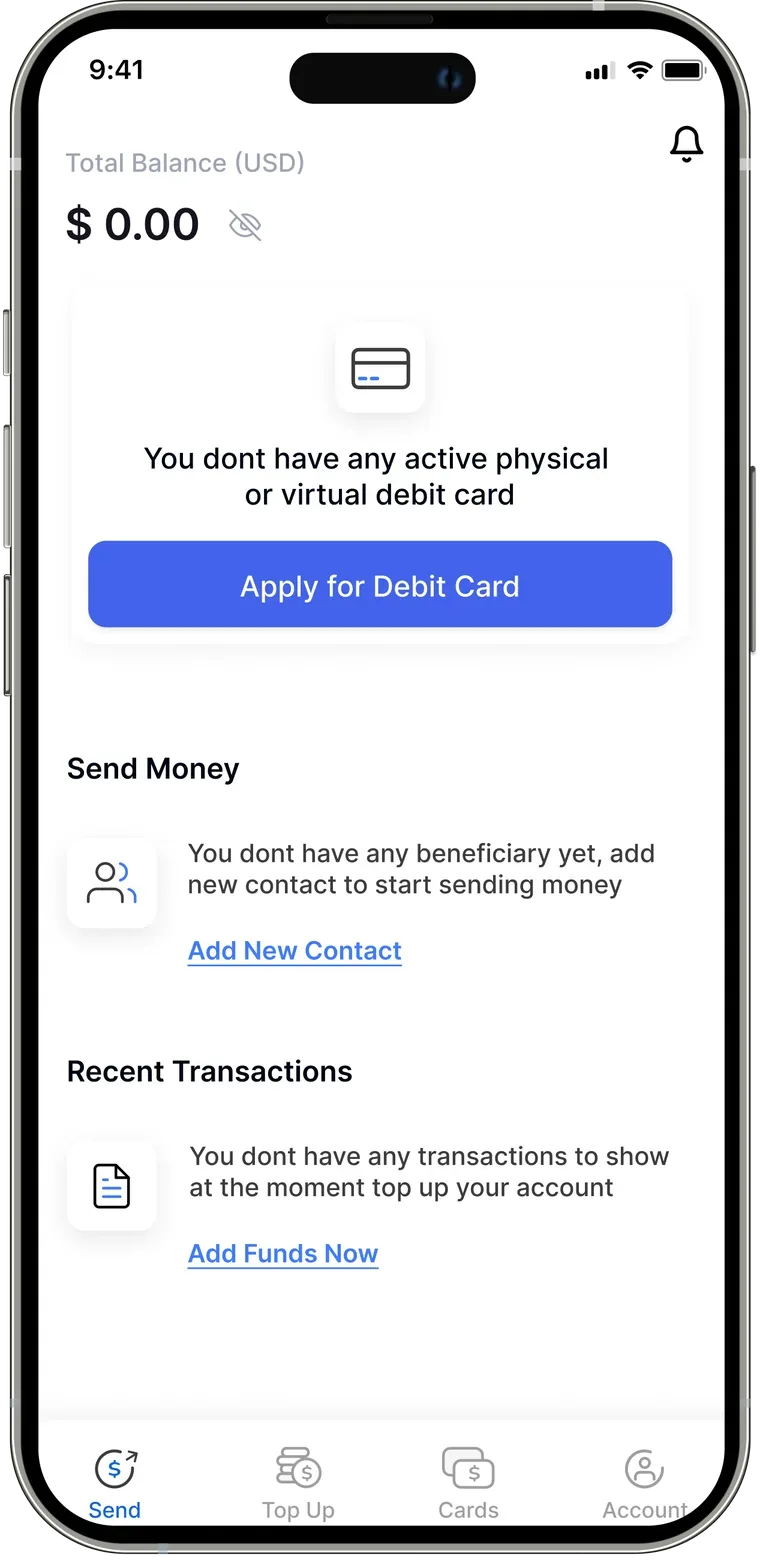
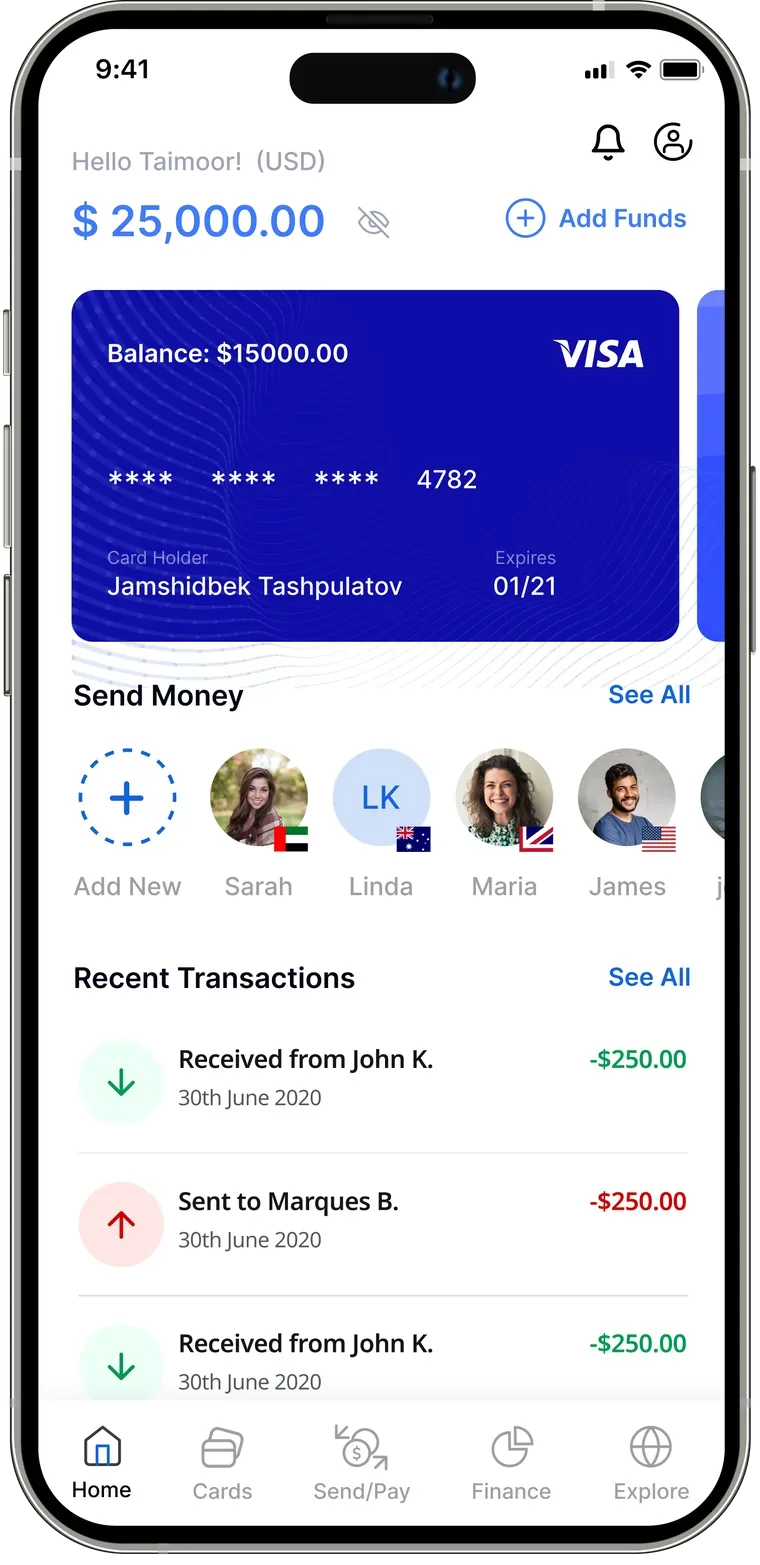
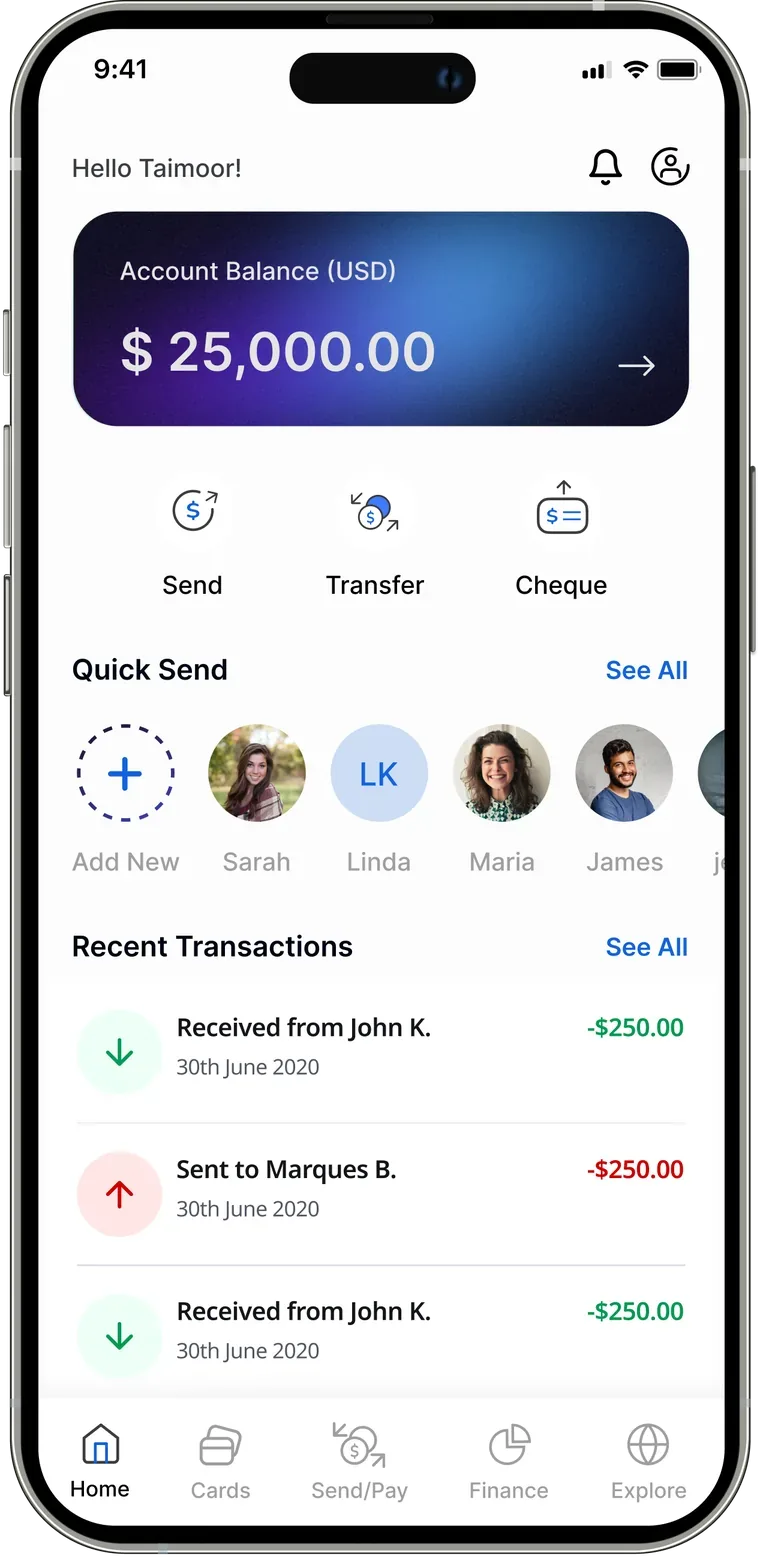
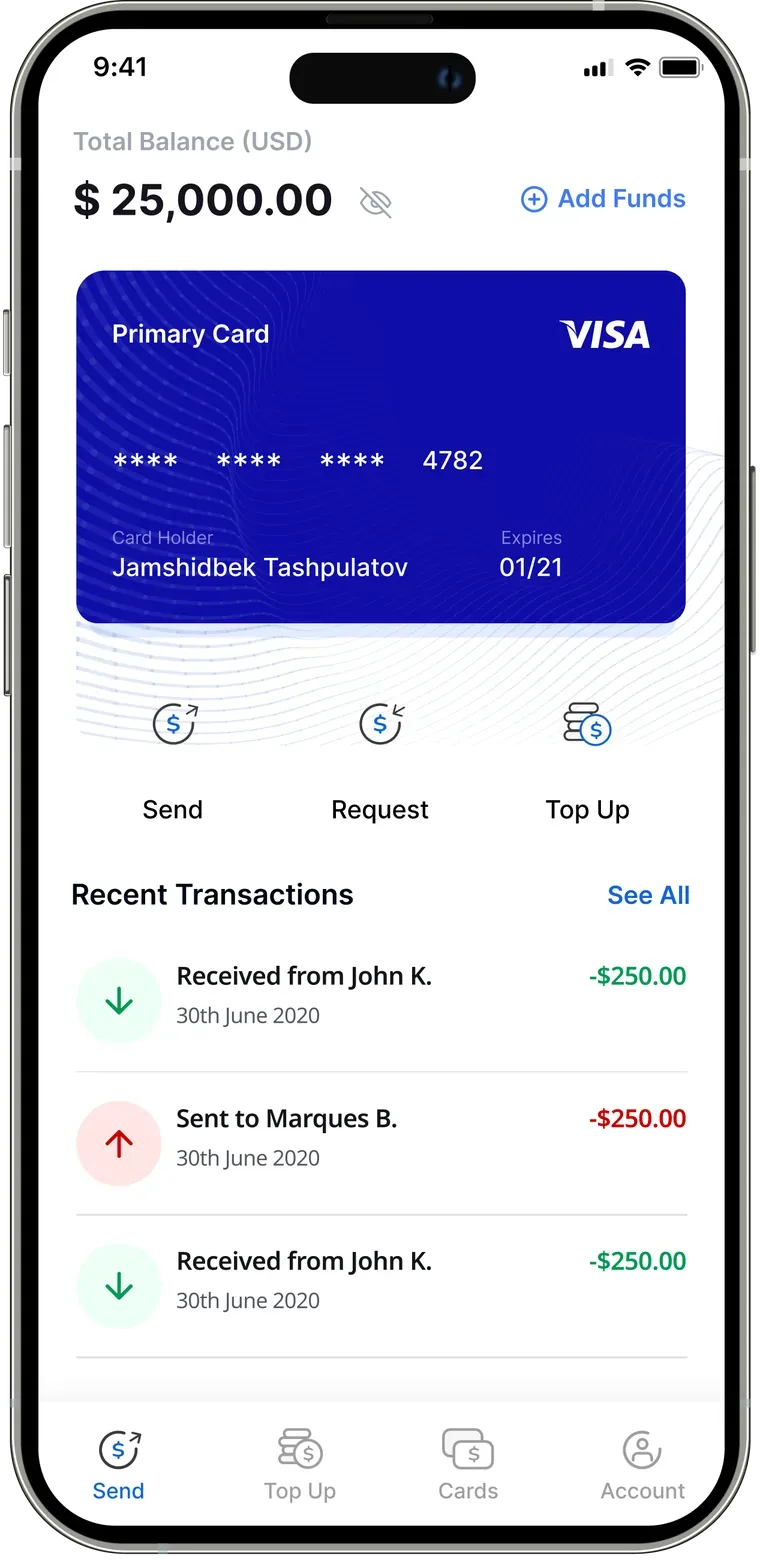
Home-screen variations explored in the closed beta.
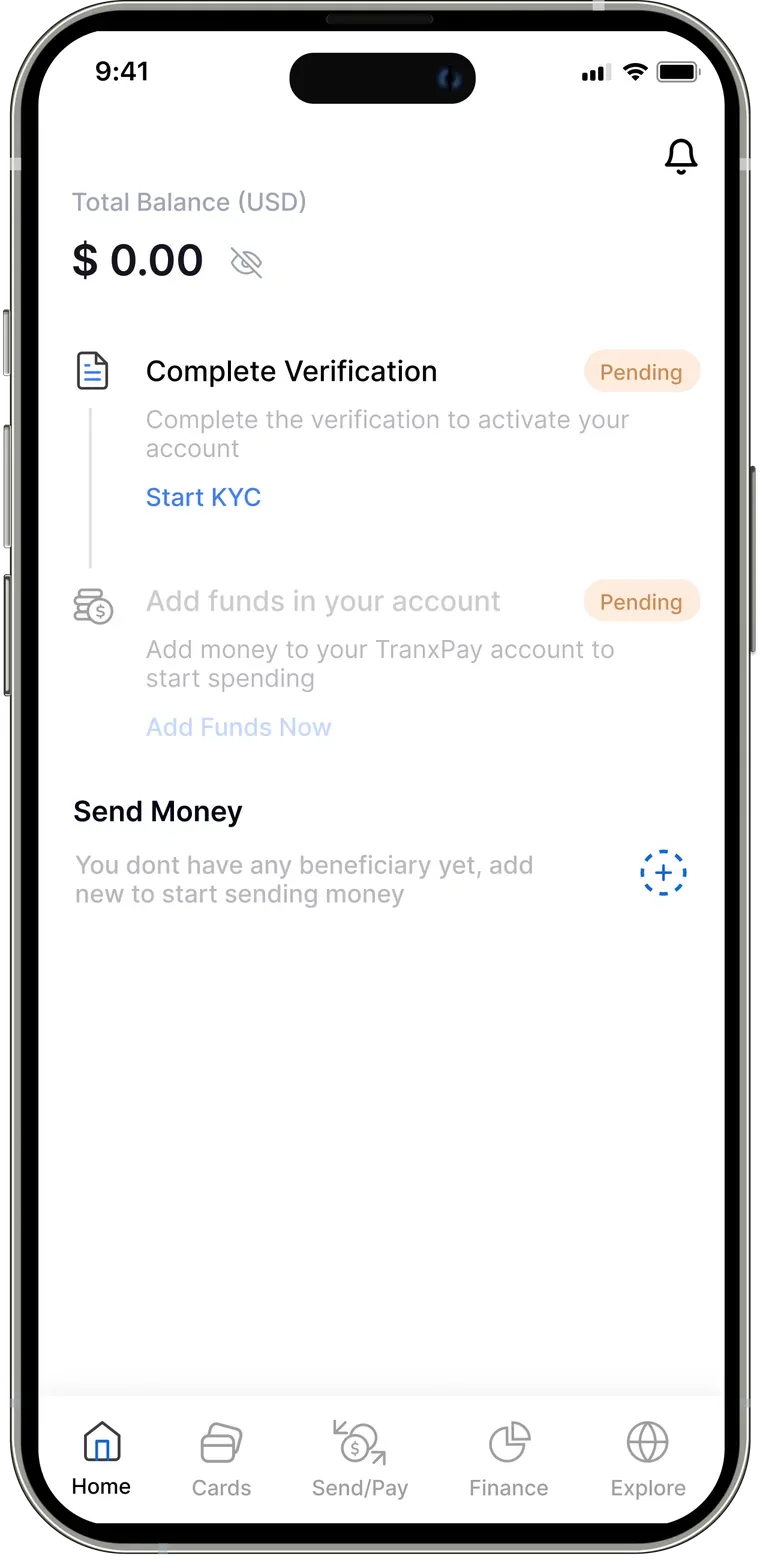
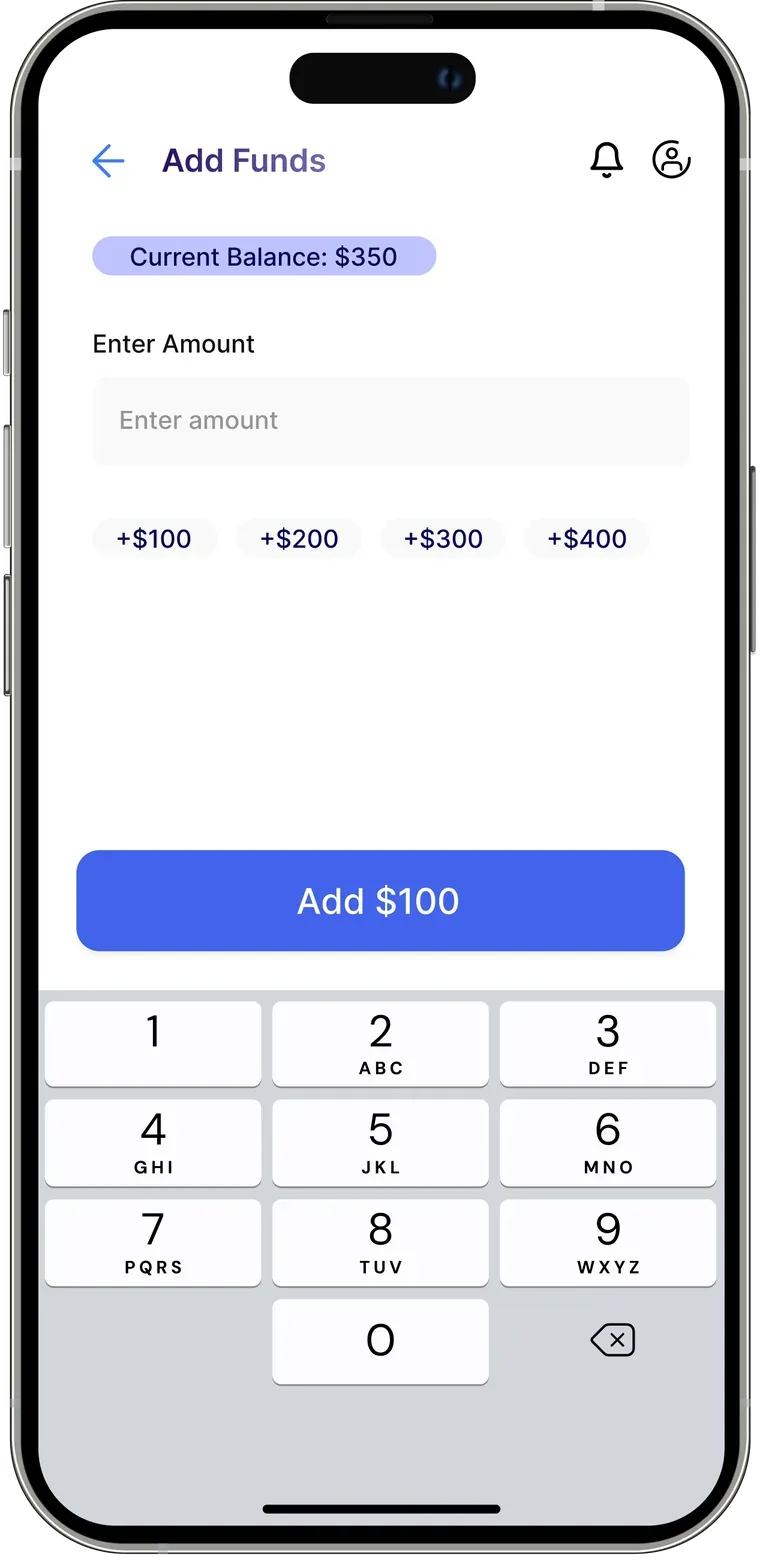
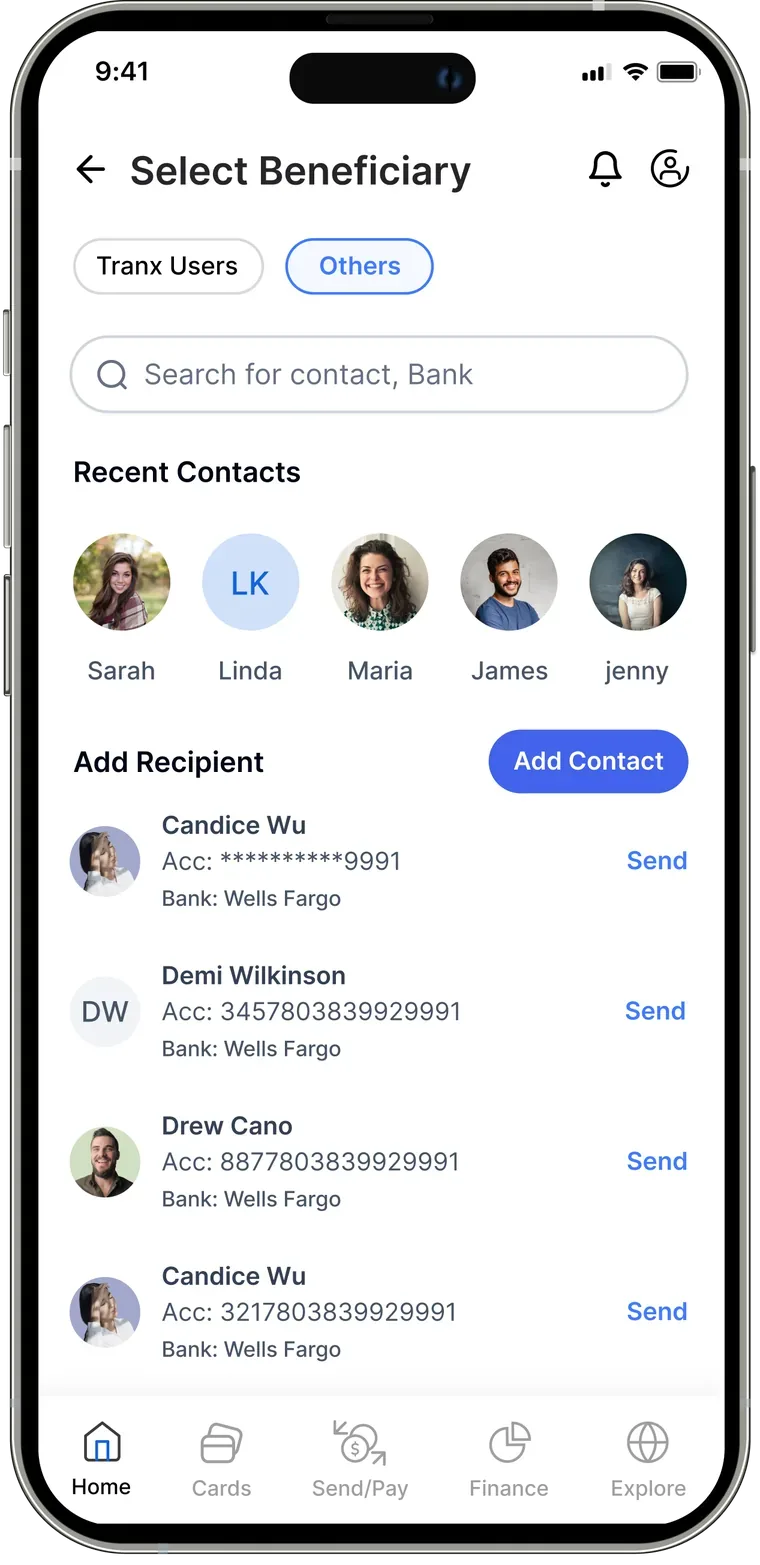
KYC, add funds, and beneficiary selection.
What testing taught us
A closed beta with real users on the home screen, top-up, and recipient flows. Their feedback drove the next round of design — here’s the before and after.
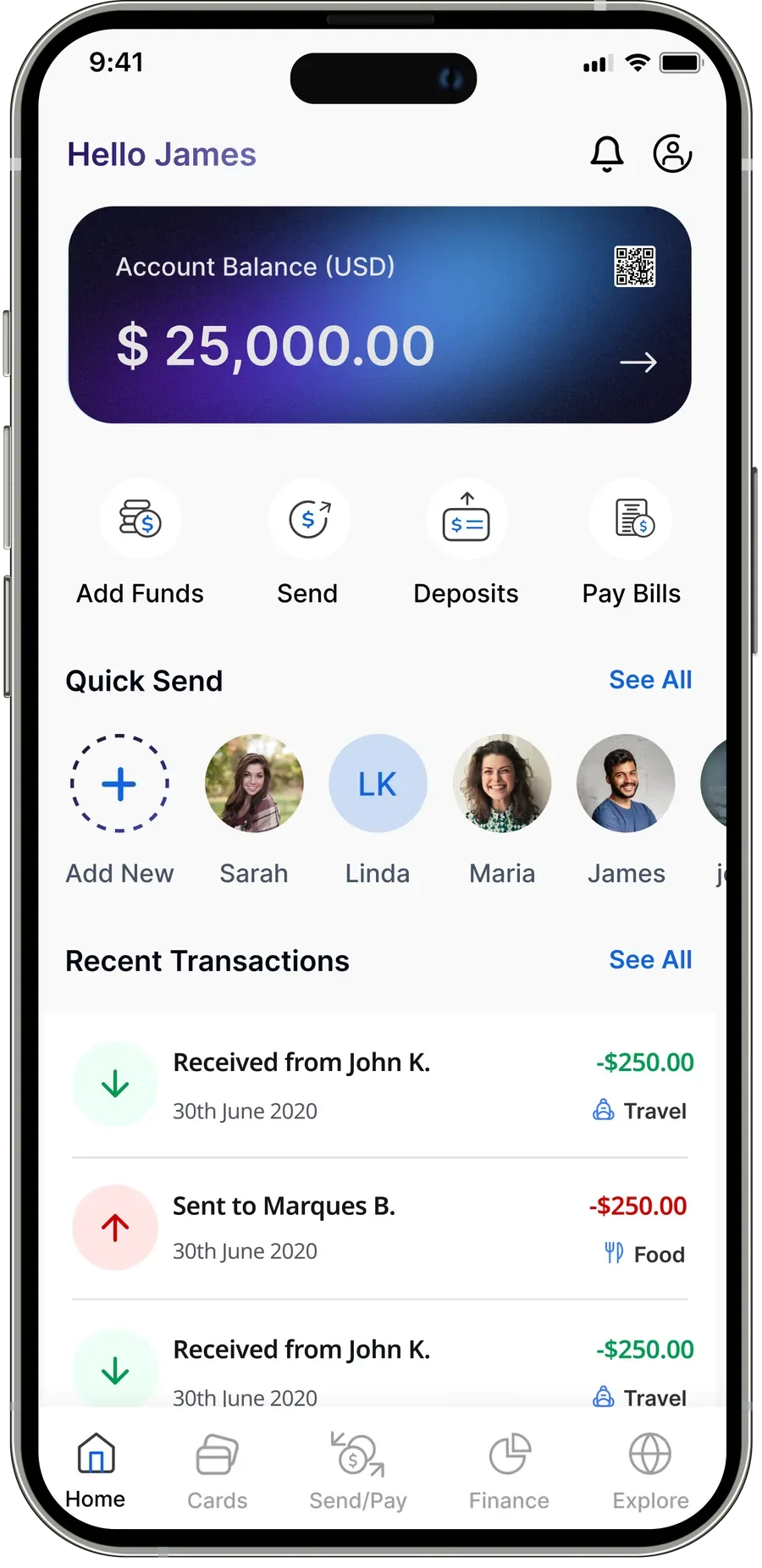
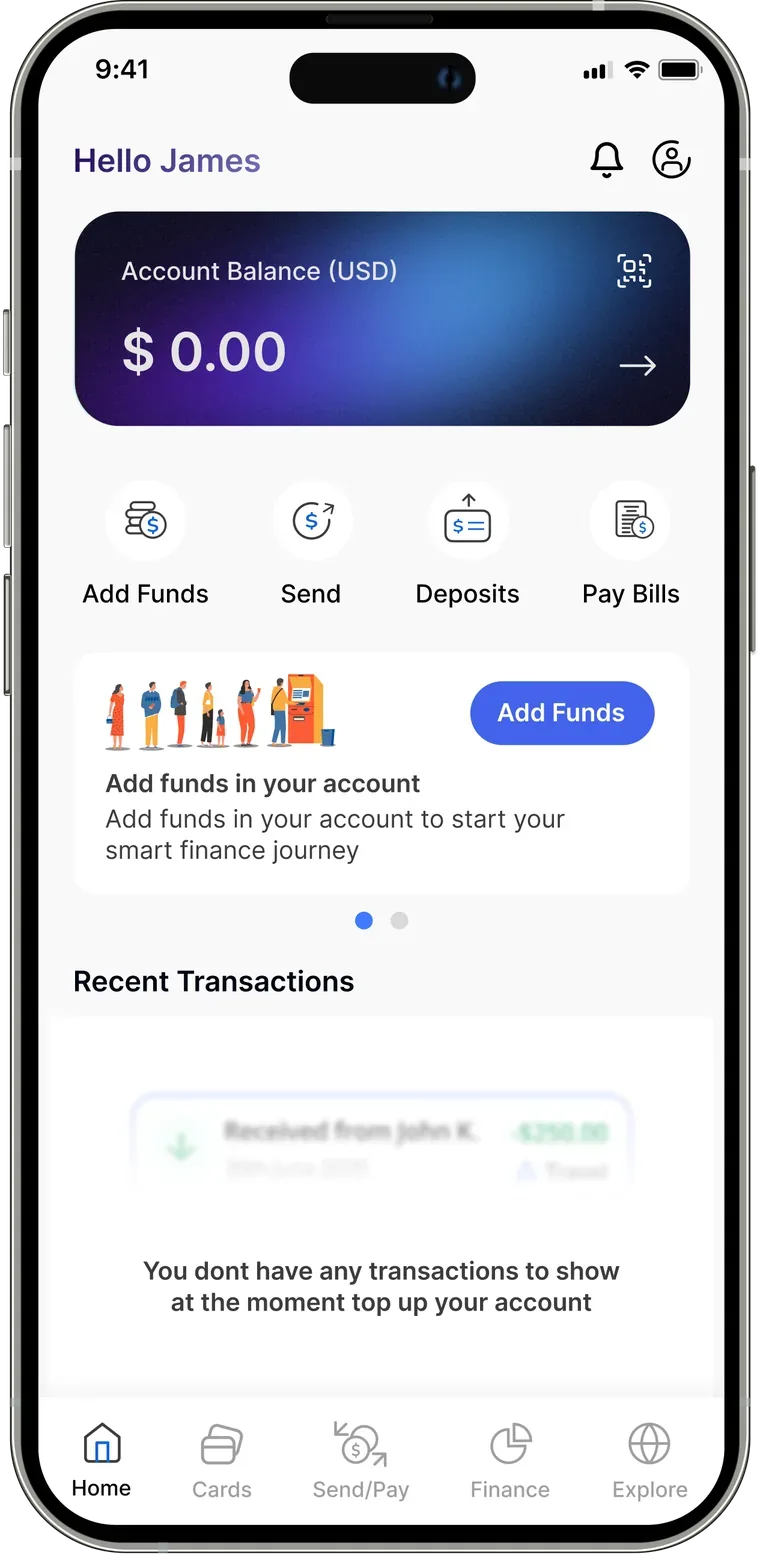
Home screen — reworked from feedback
Home screen feedback
- The layout was unclear — hard to tell TranxPay users apart from other banks in “Send Money”.
- Cards overshadowed the balance and top-up; users wanted quick actions right on the home screen.
1st variant
New home screen
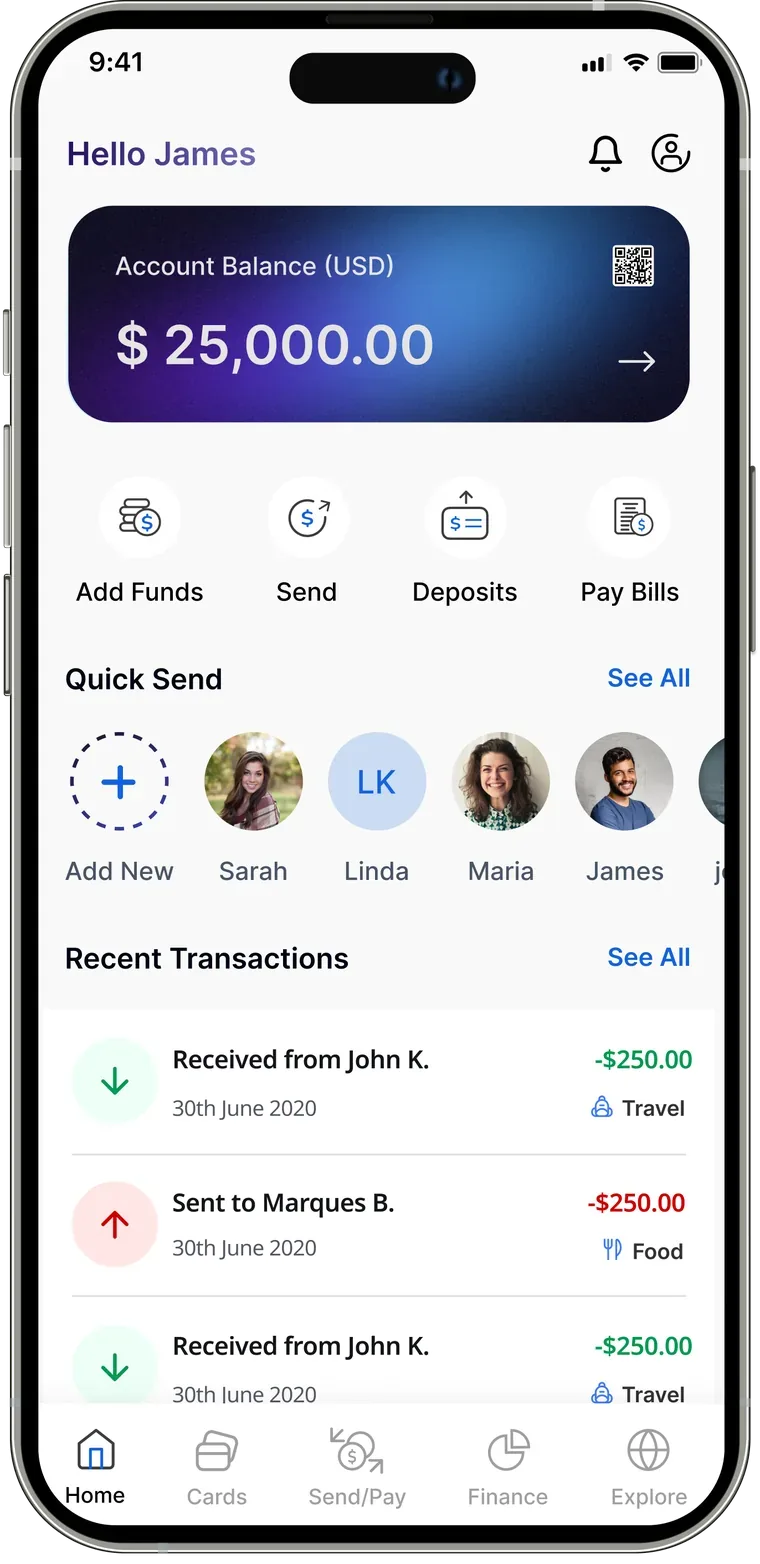
Account balance
Front and centre — instantly clear.
Quick actions
Add funds, send, deposit, pay bills — one tap.
User segmentation
TranxPay users clearly marked with an icon and border.
Navigation changes
8 of 10 noticed the new nav and found cards there.
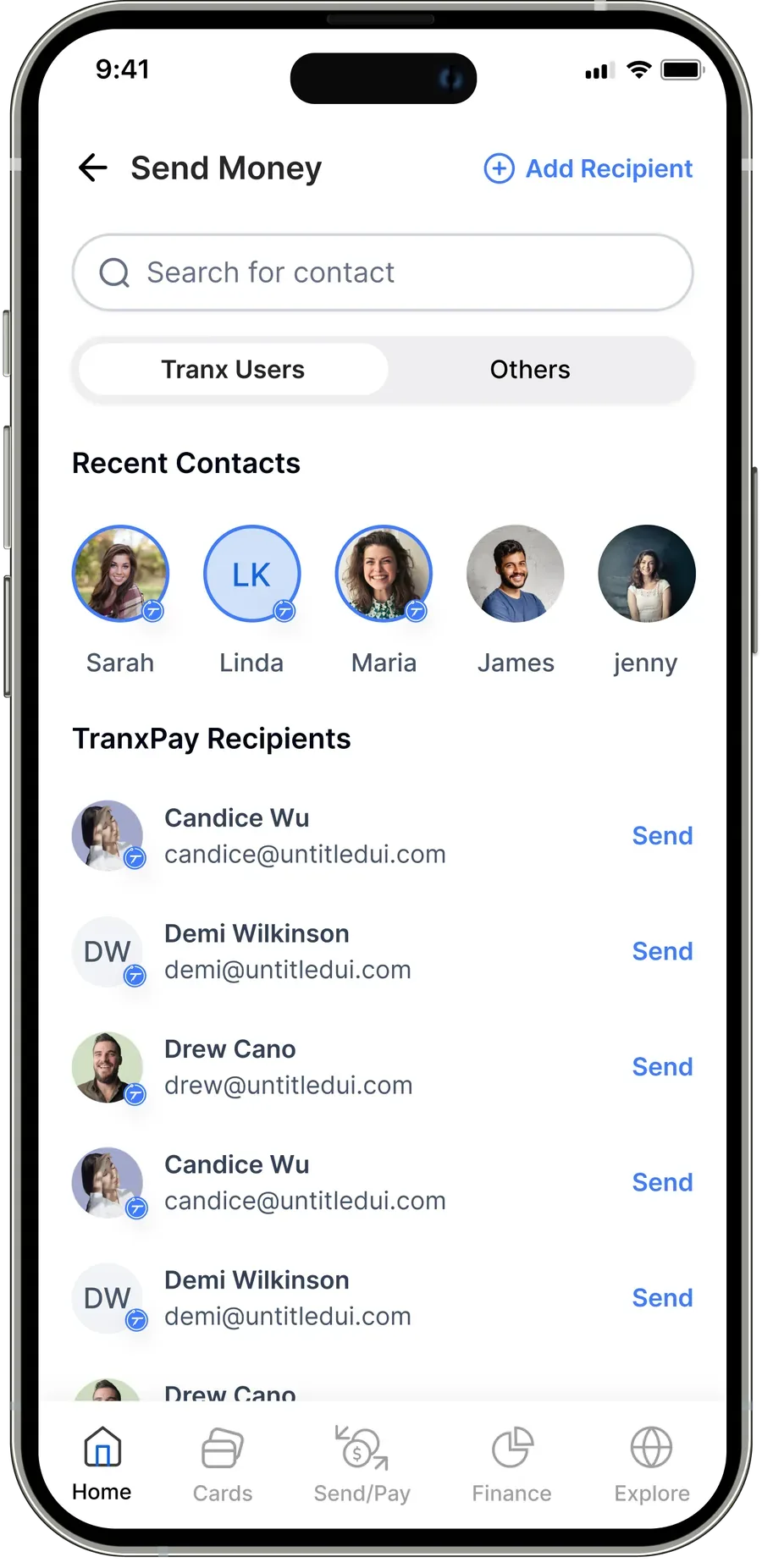
Send money — reworked from feedback
Recipient screen feedback
- Both tabs looked like secondary buttons and the CTA lacked clarity; the word “beneficiary” confused people.
- Users wanted the search bar moved to the top, globally accessible.
1st variant
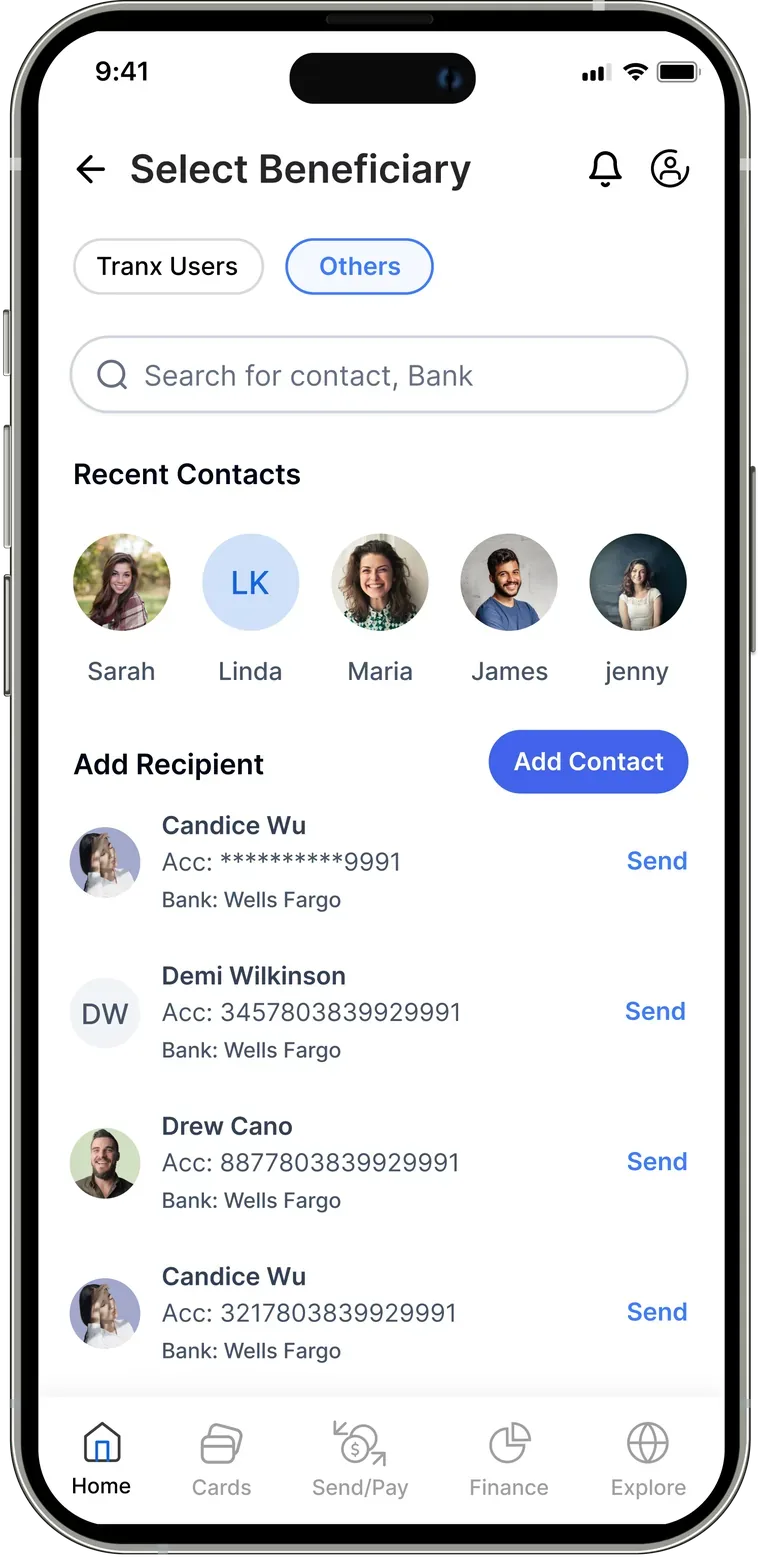
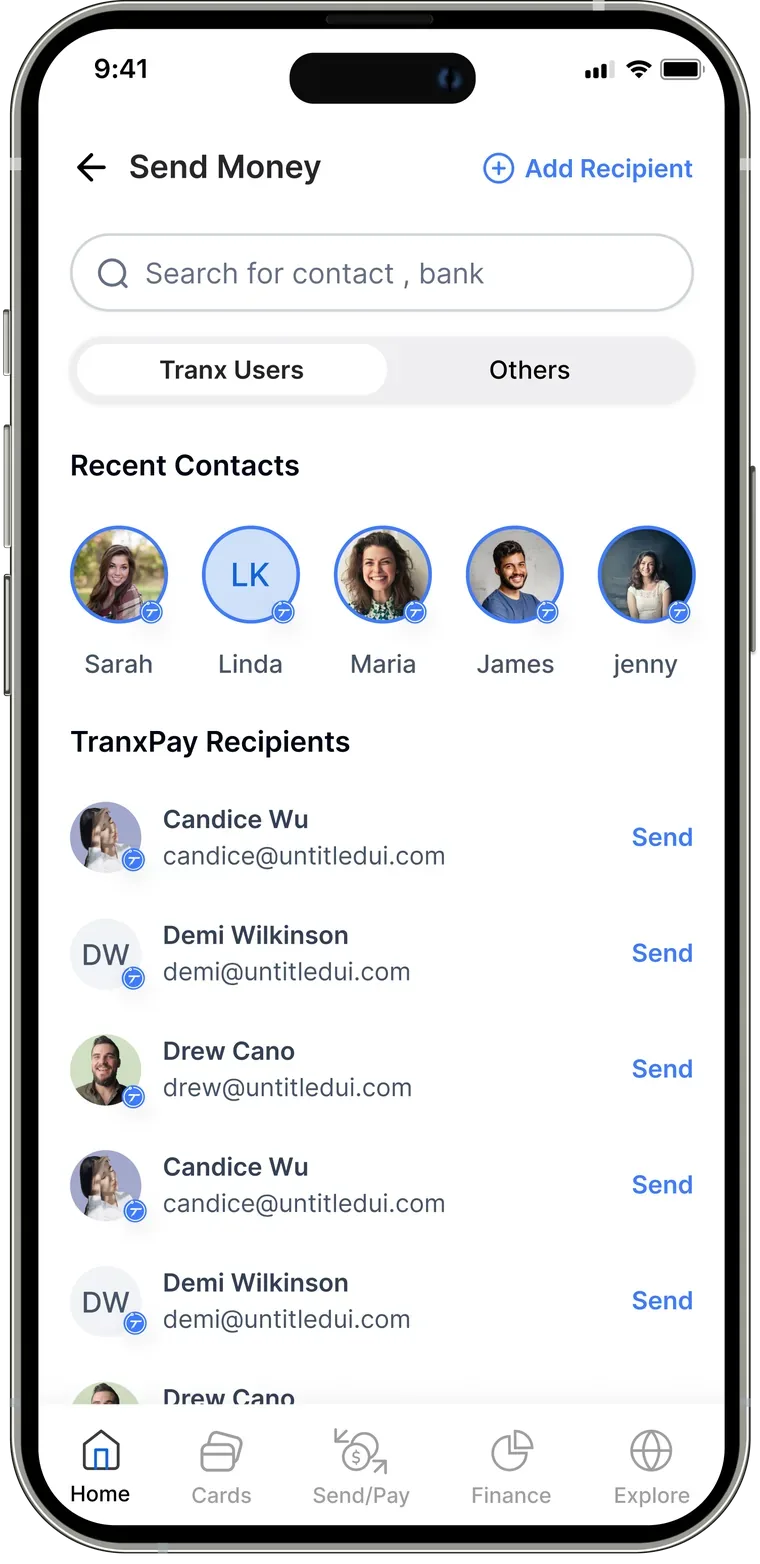
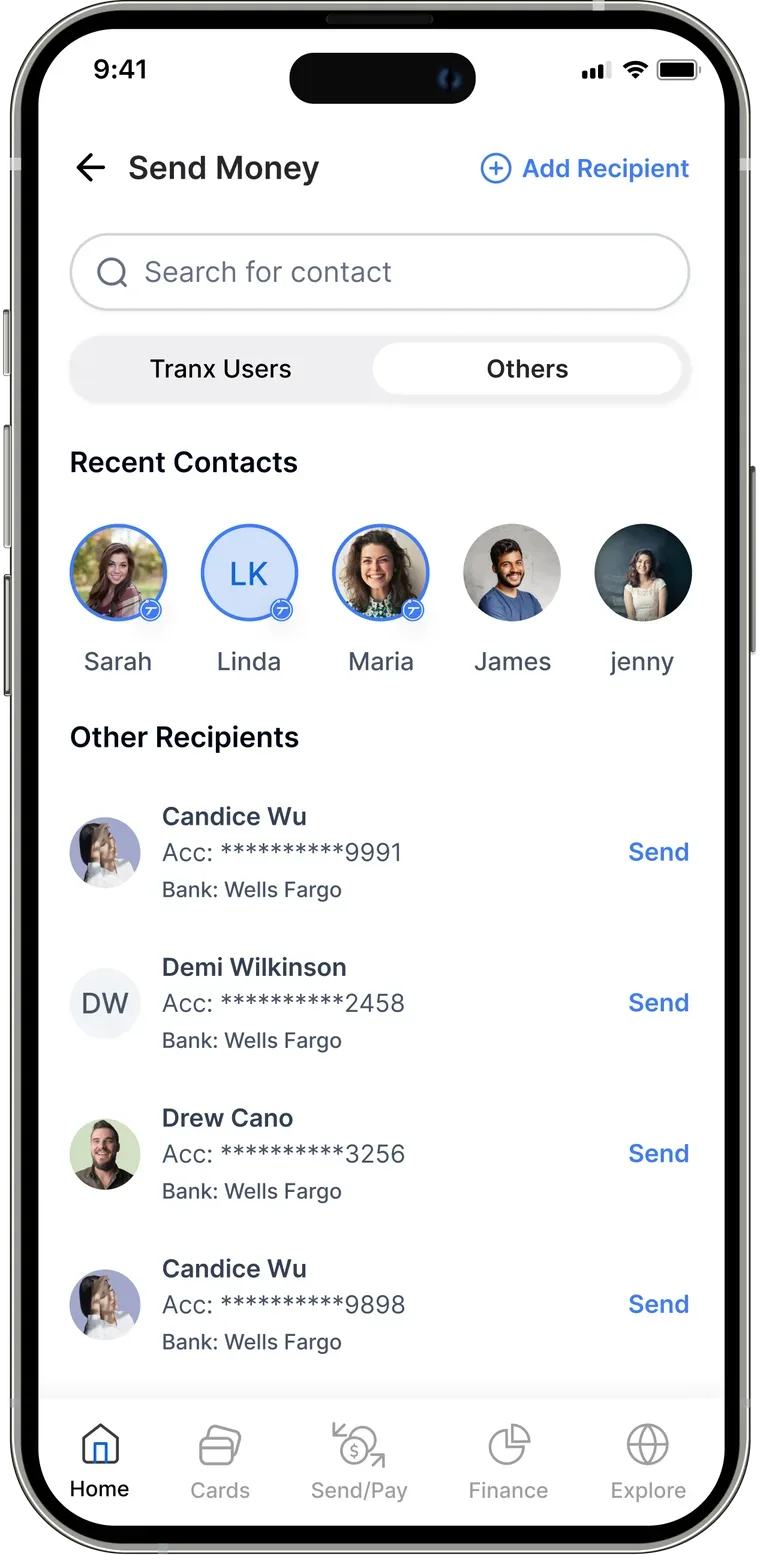
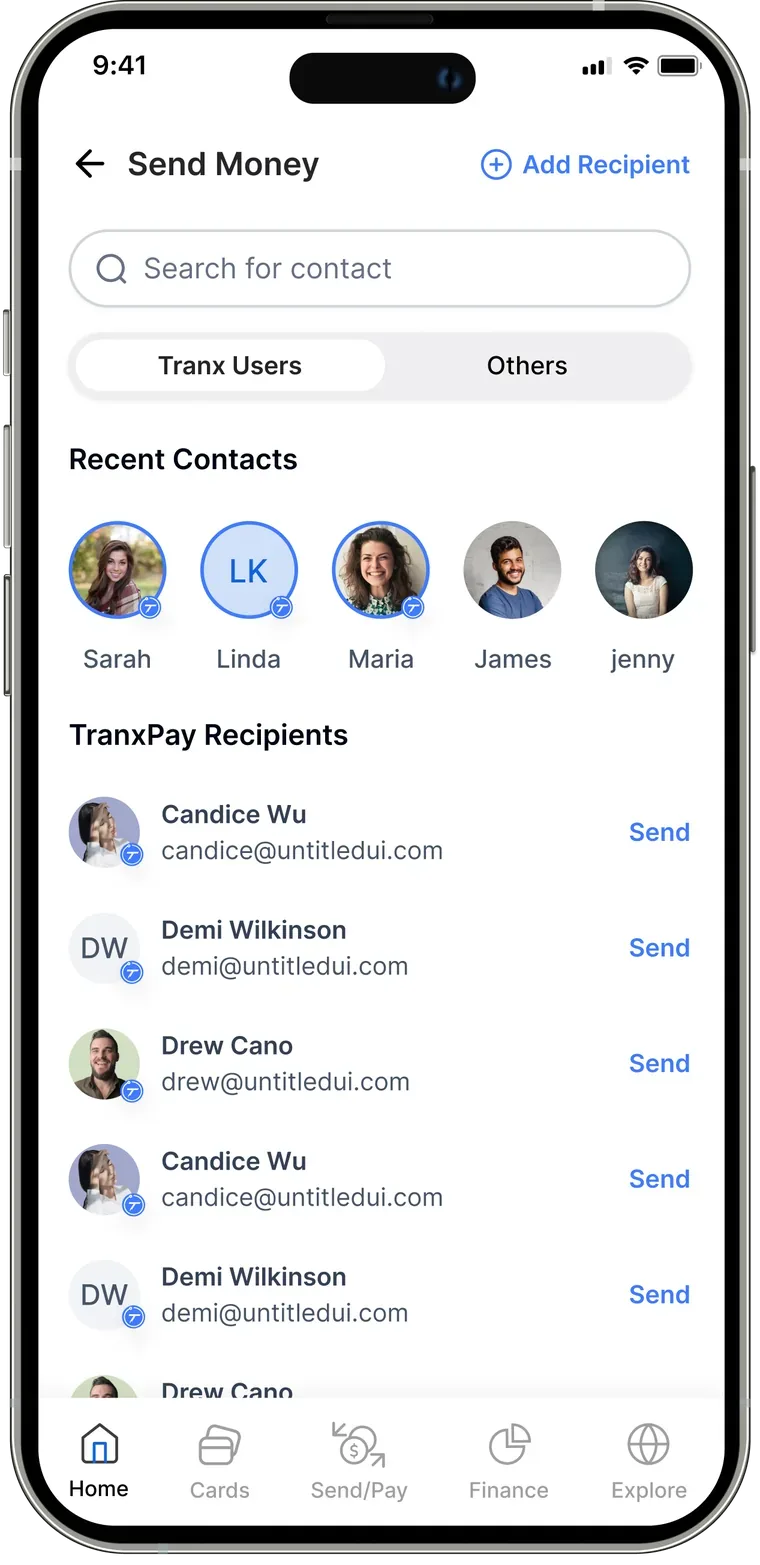
Updated send money
Changed copy
“Beneficiary” became “Send money” — a clearer message.
New CTA
The primary action stays visible at all times.
Tab updates
Redesigned tabs no longer read as buttons.
Global search
Search moved to the top — always in reach.
The final designed product
Every flow, rebuilt from what testing taught us — cleaner navigation, clearer actions, and one place for everything.
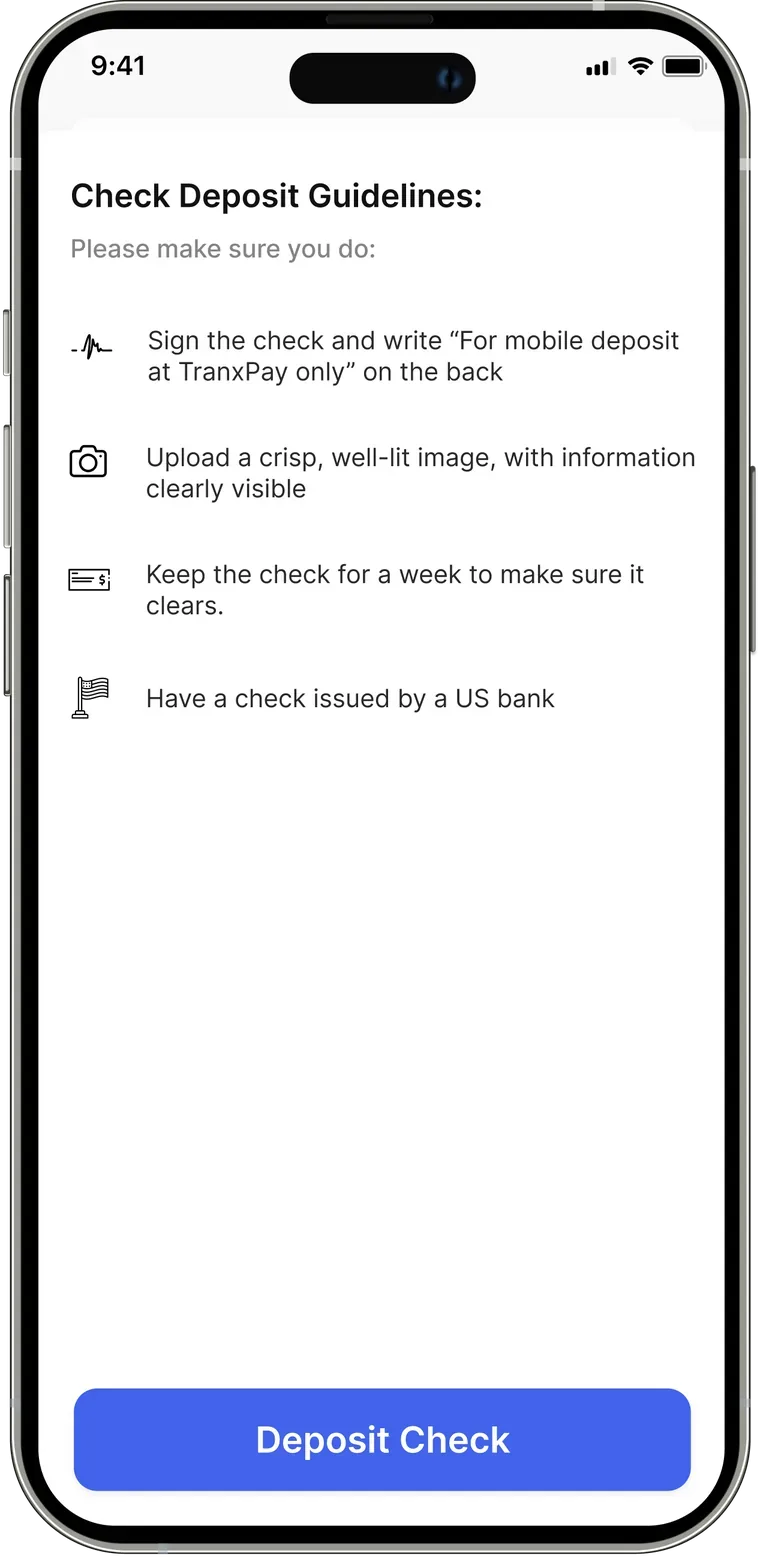
See your balance and act instantly — add funds, send, deposit a cheque, pay bills, and more.
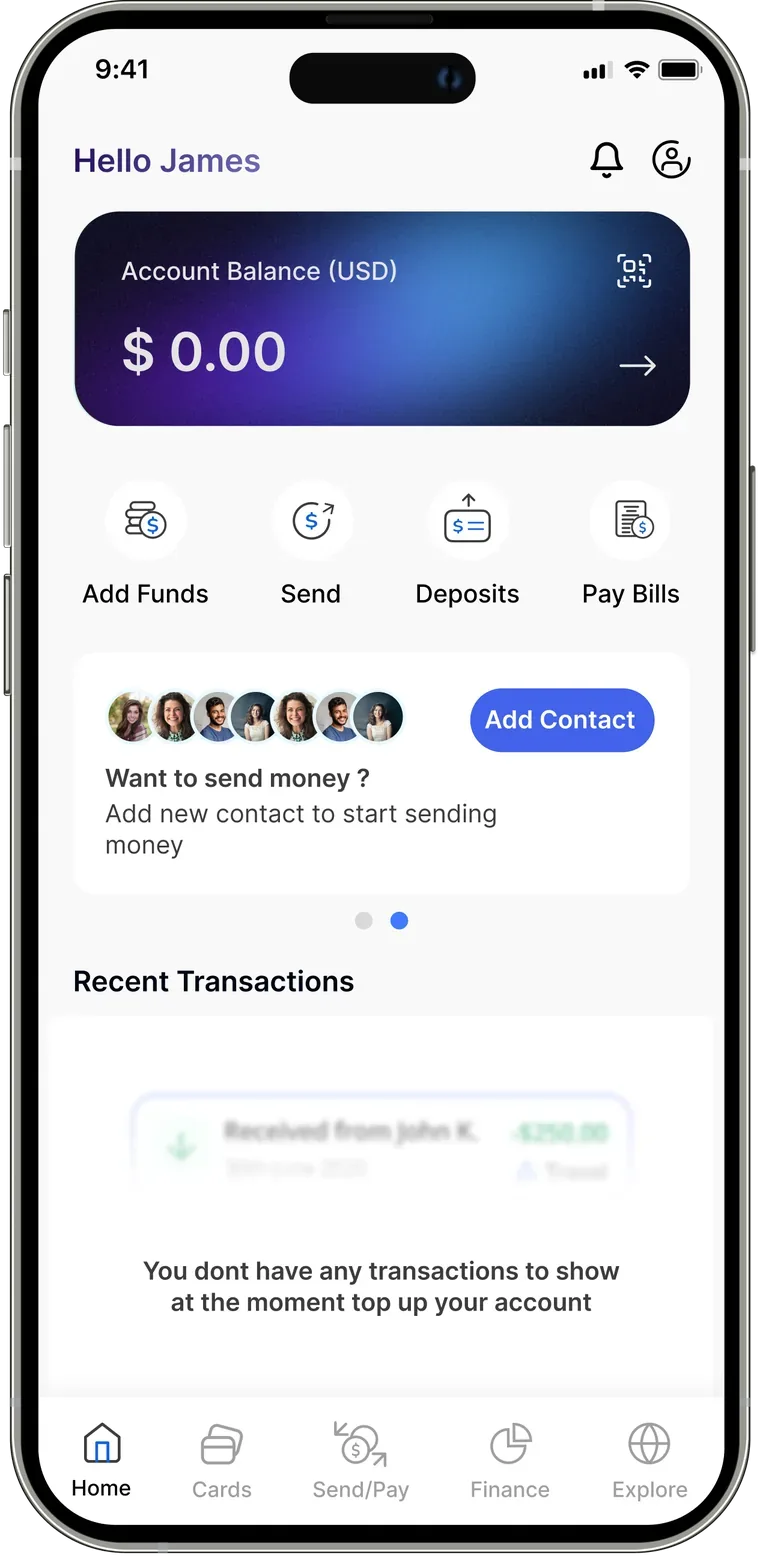
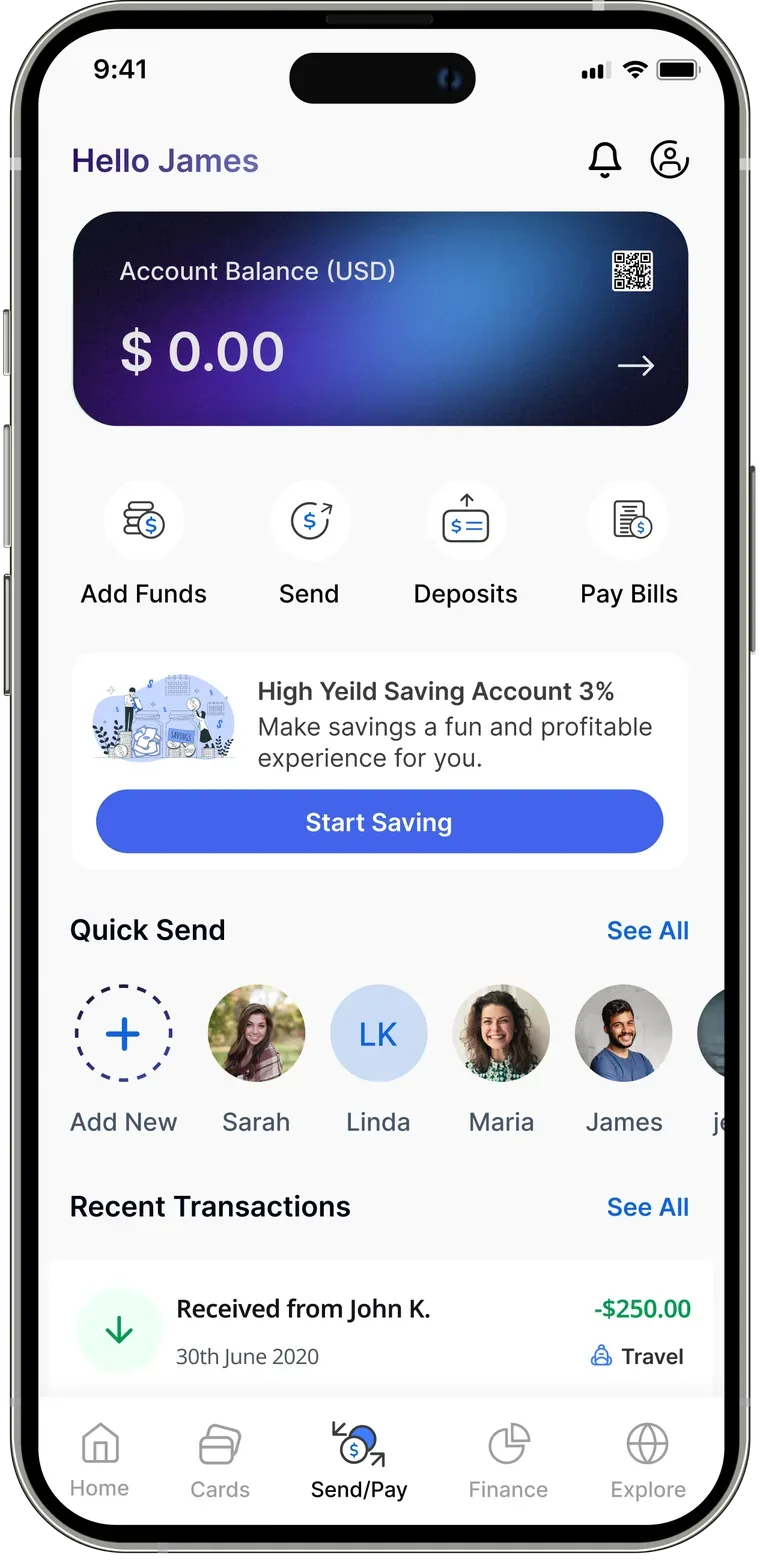
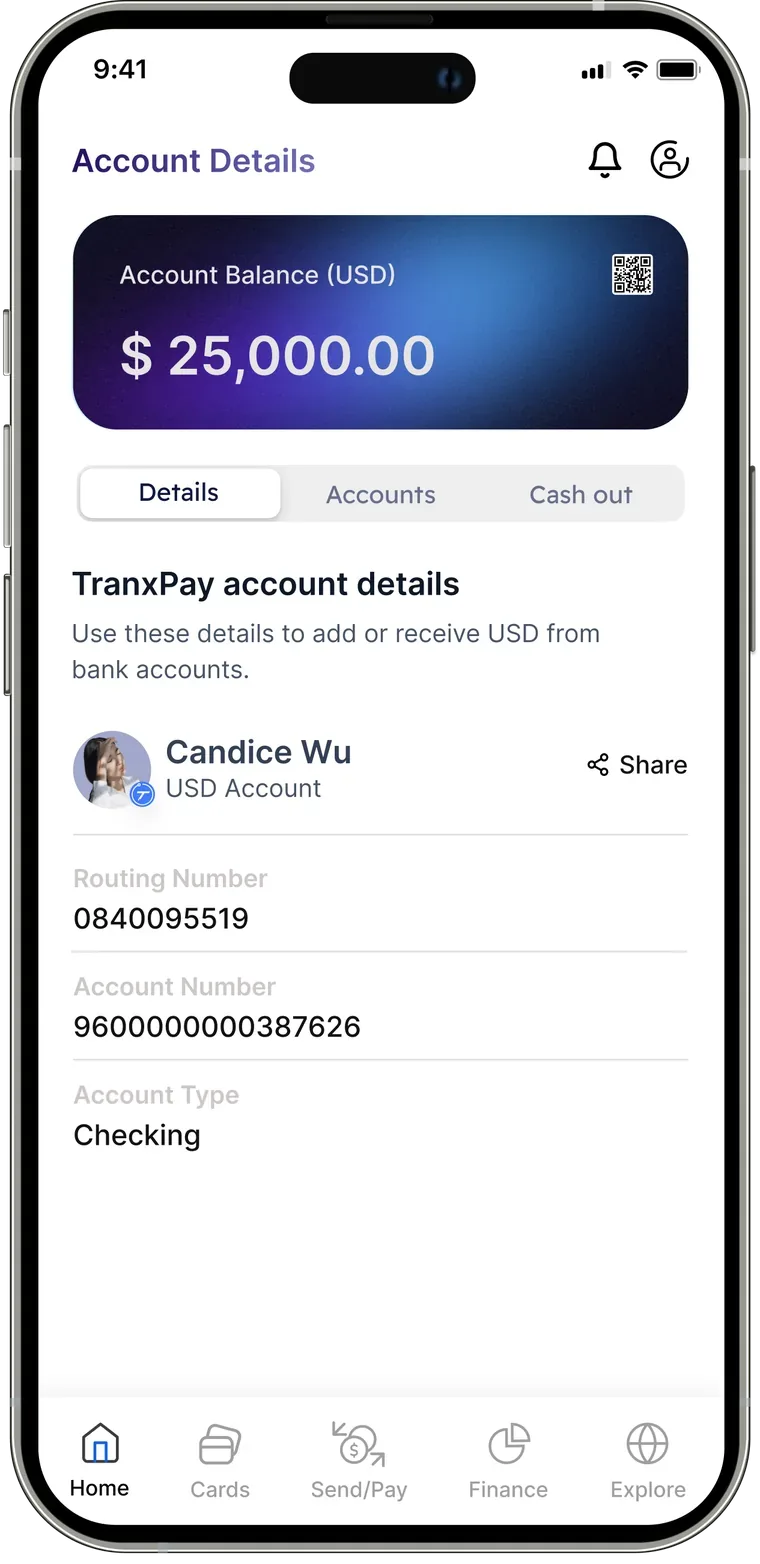
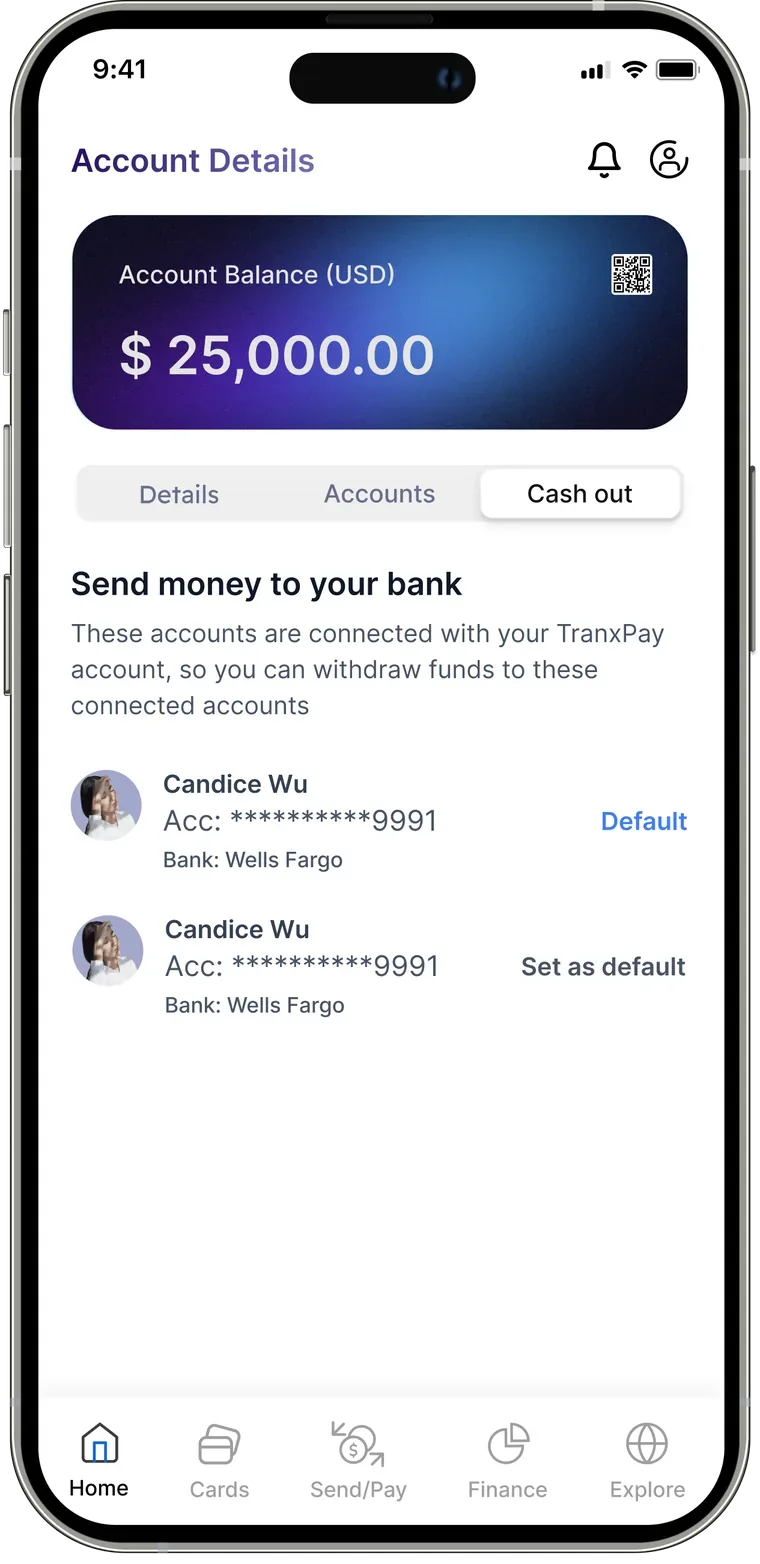
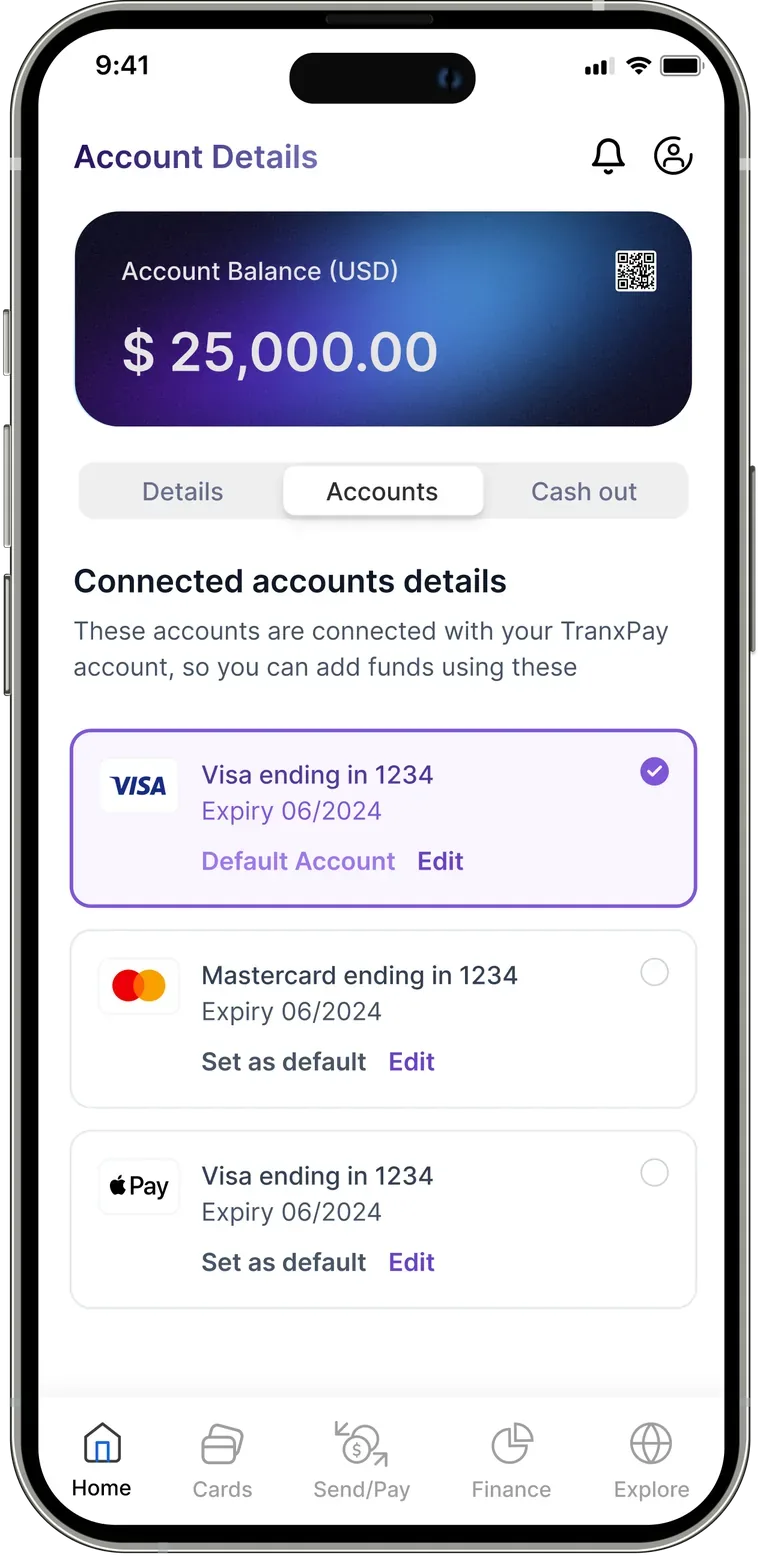
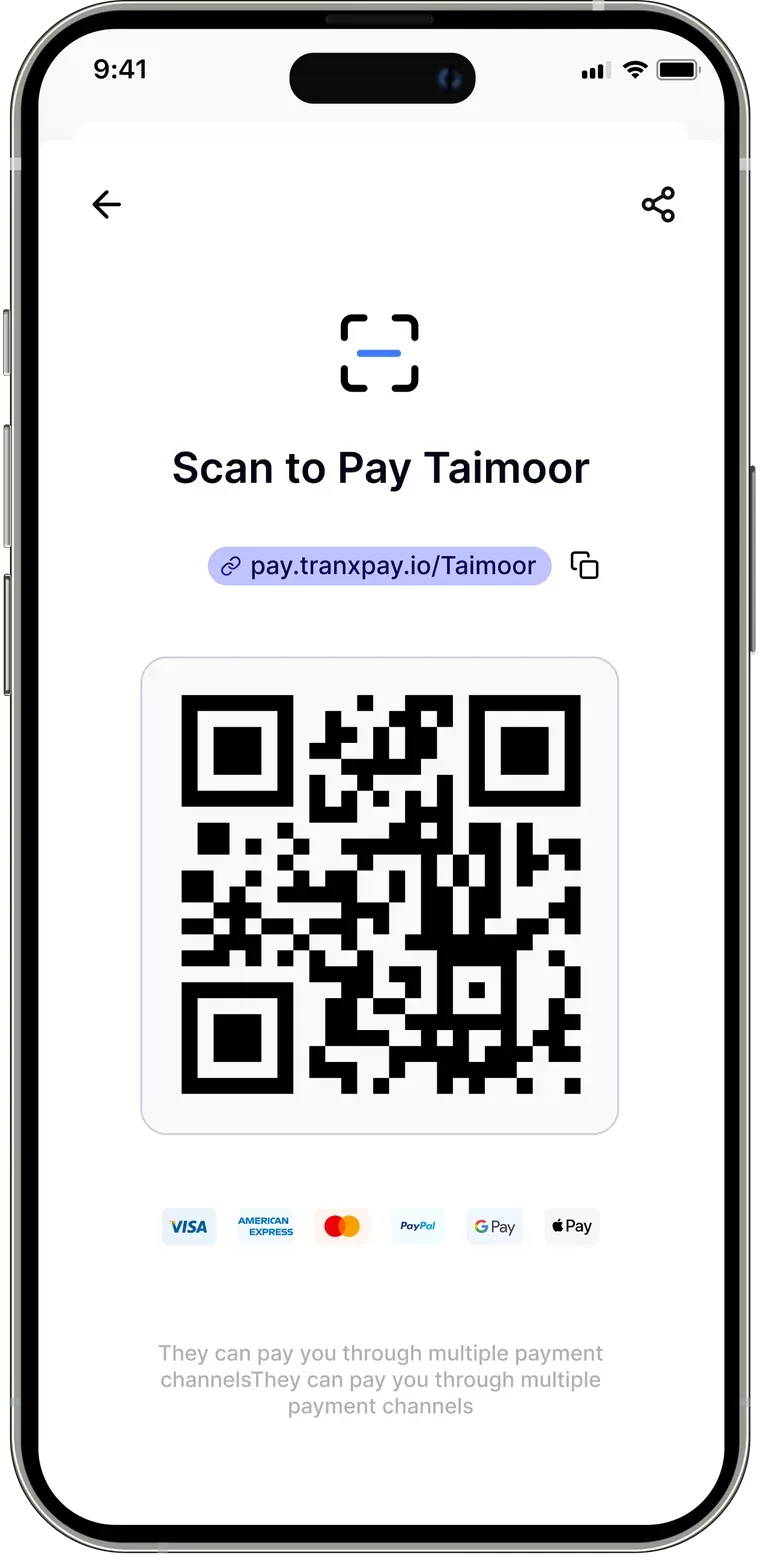
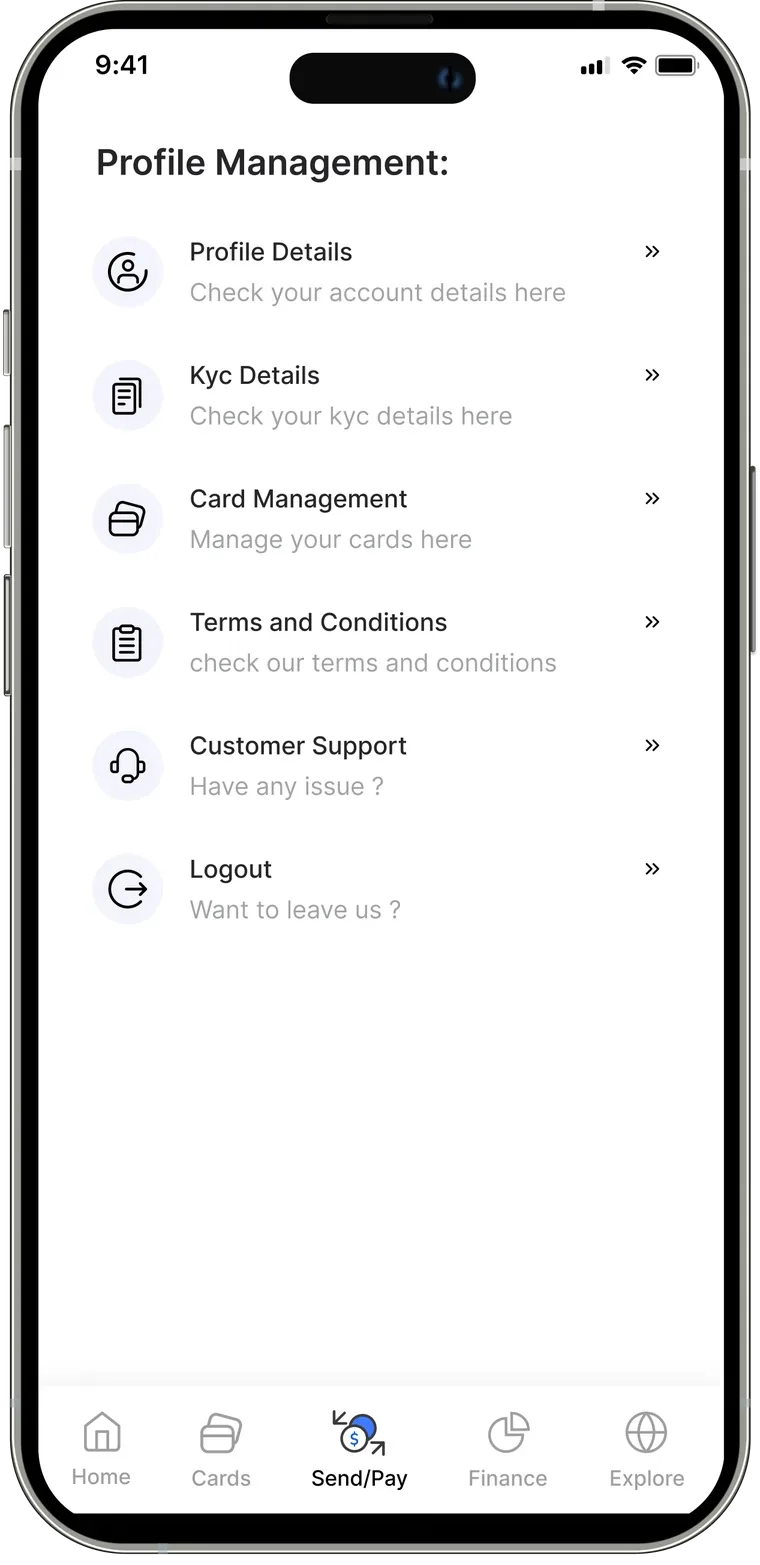
One tap for your account details, connected accounts, cash-out account, and your QR code.
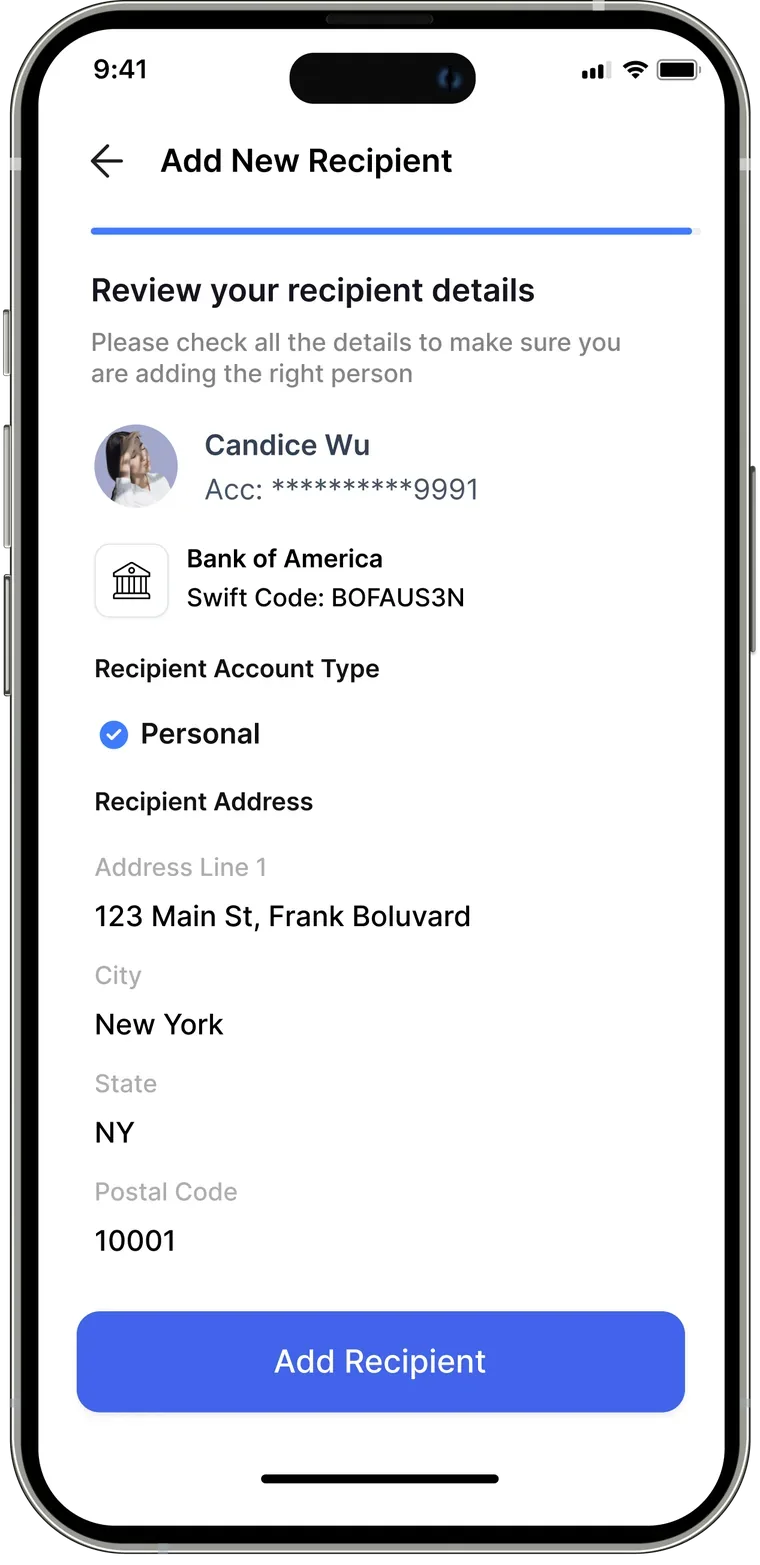
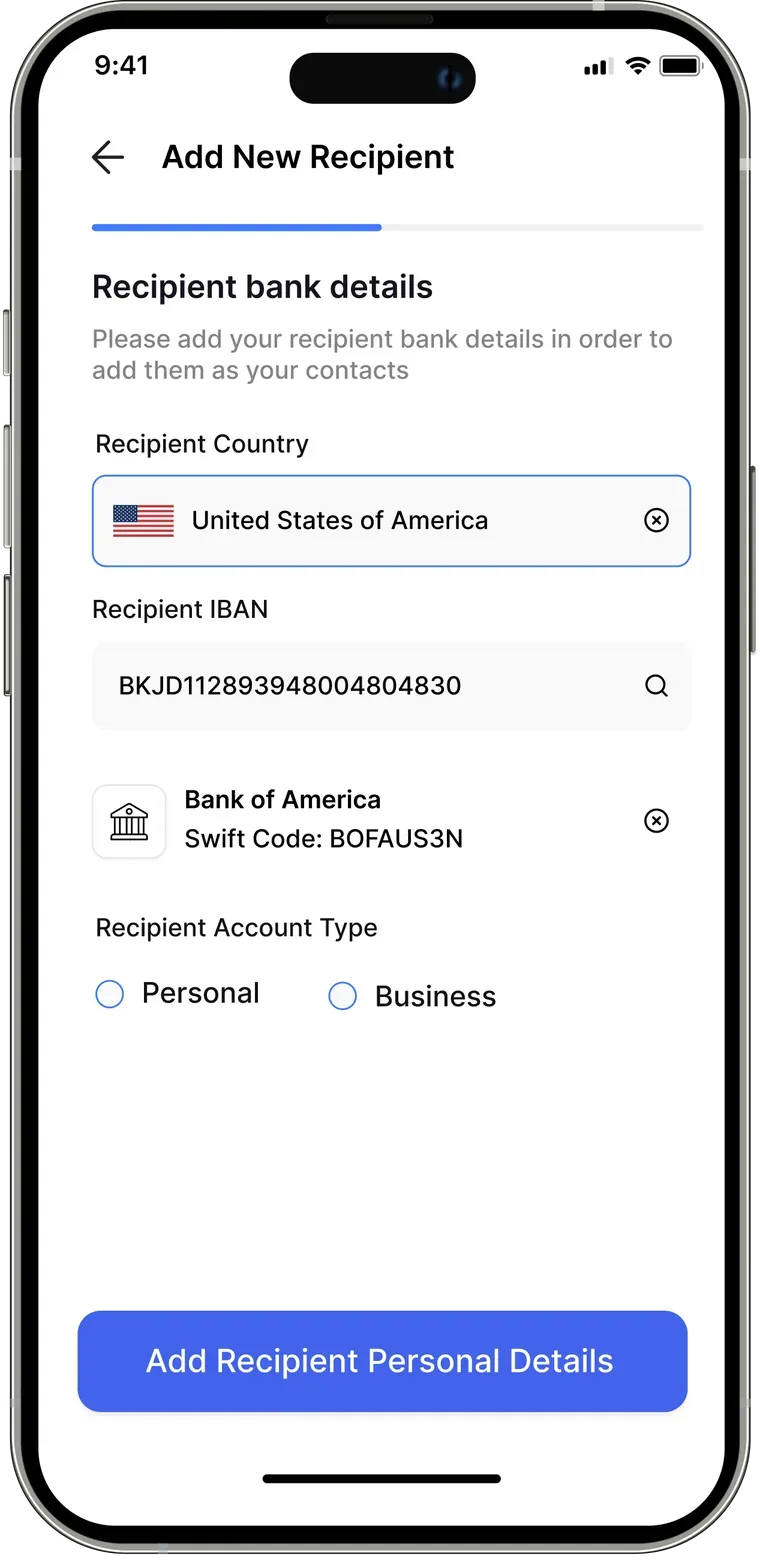
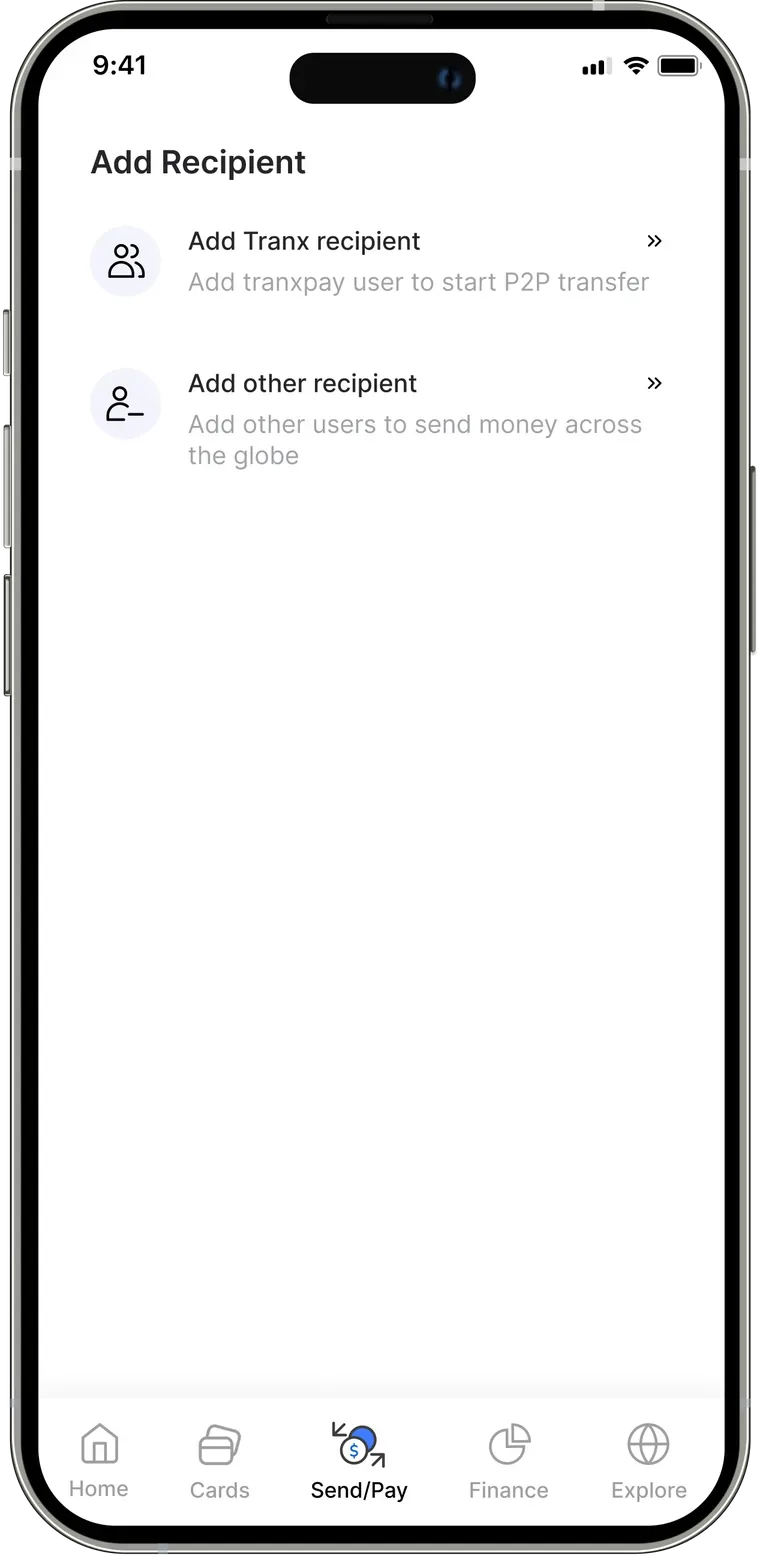
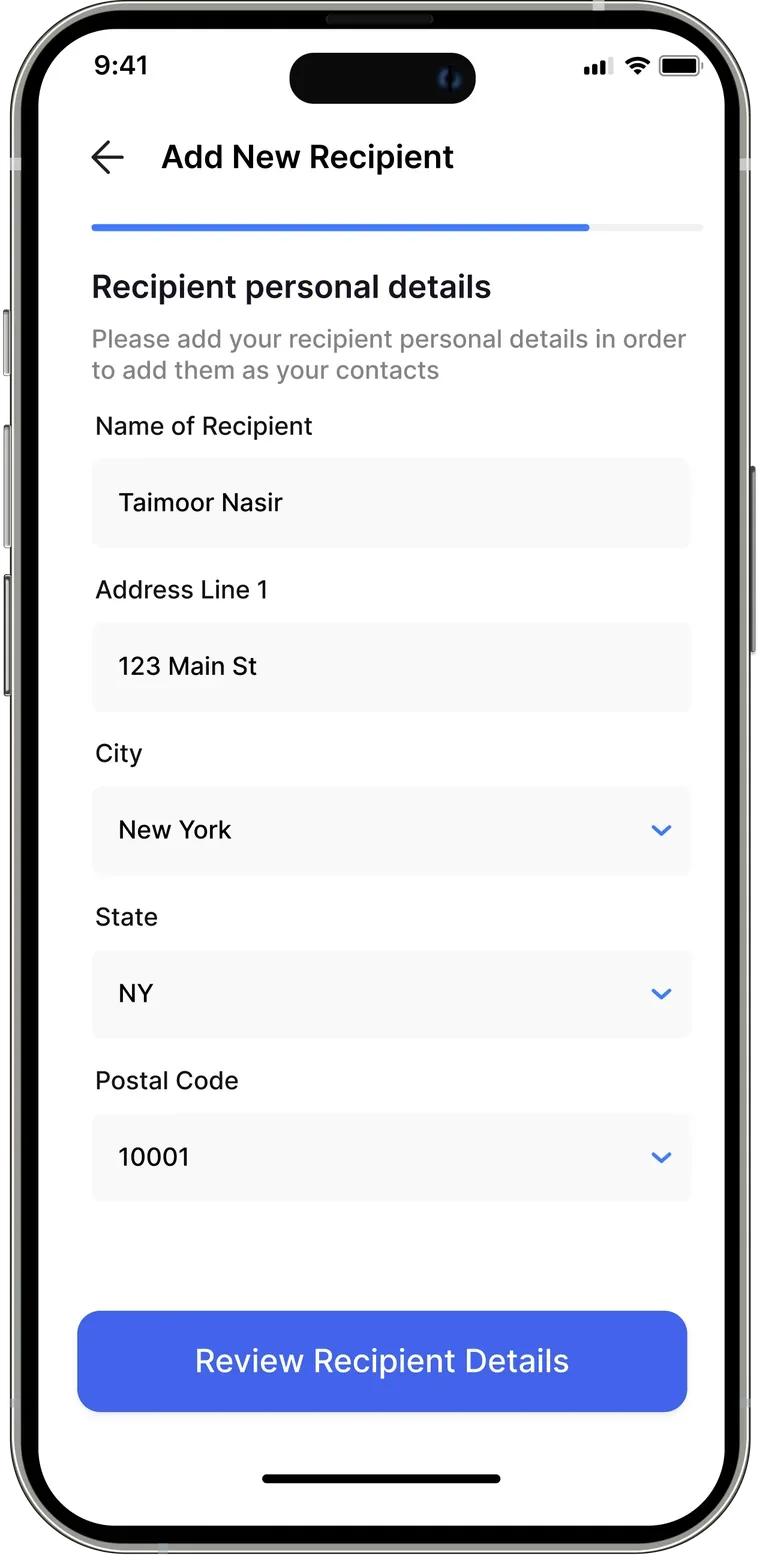
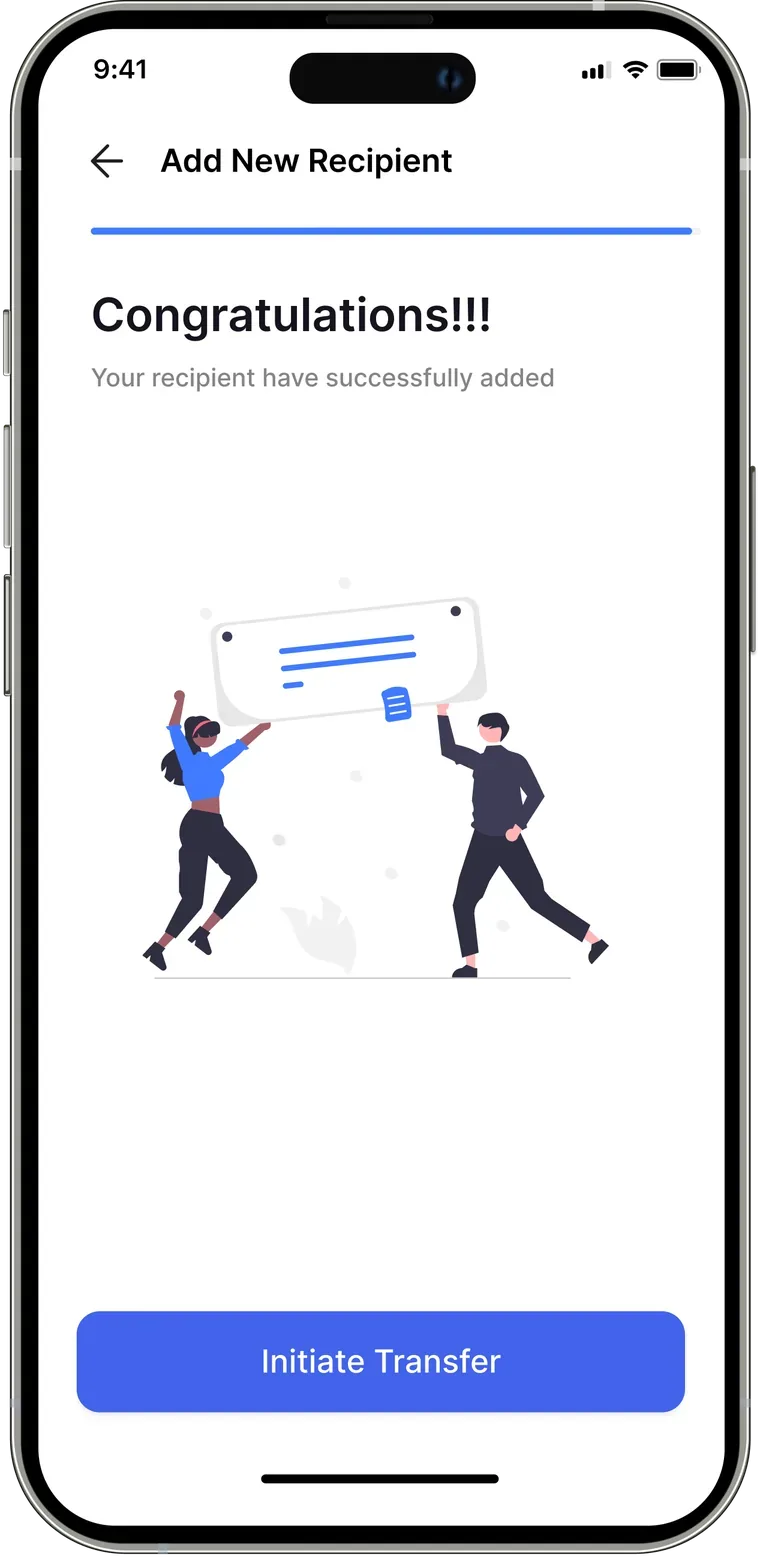
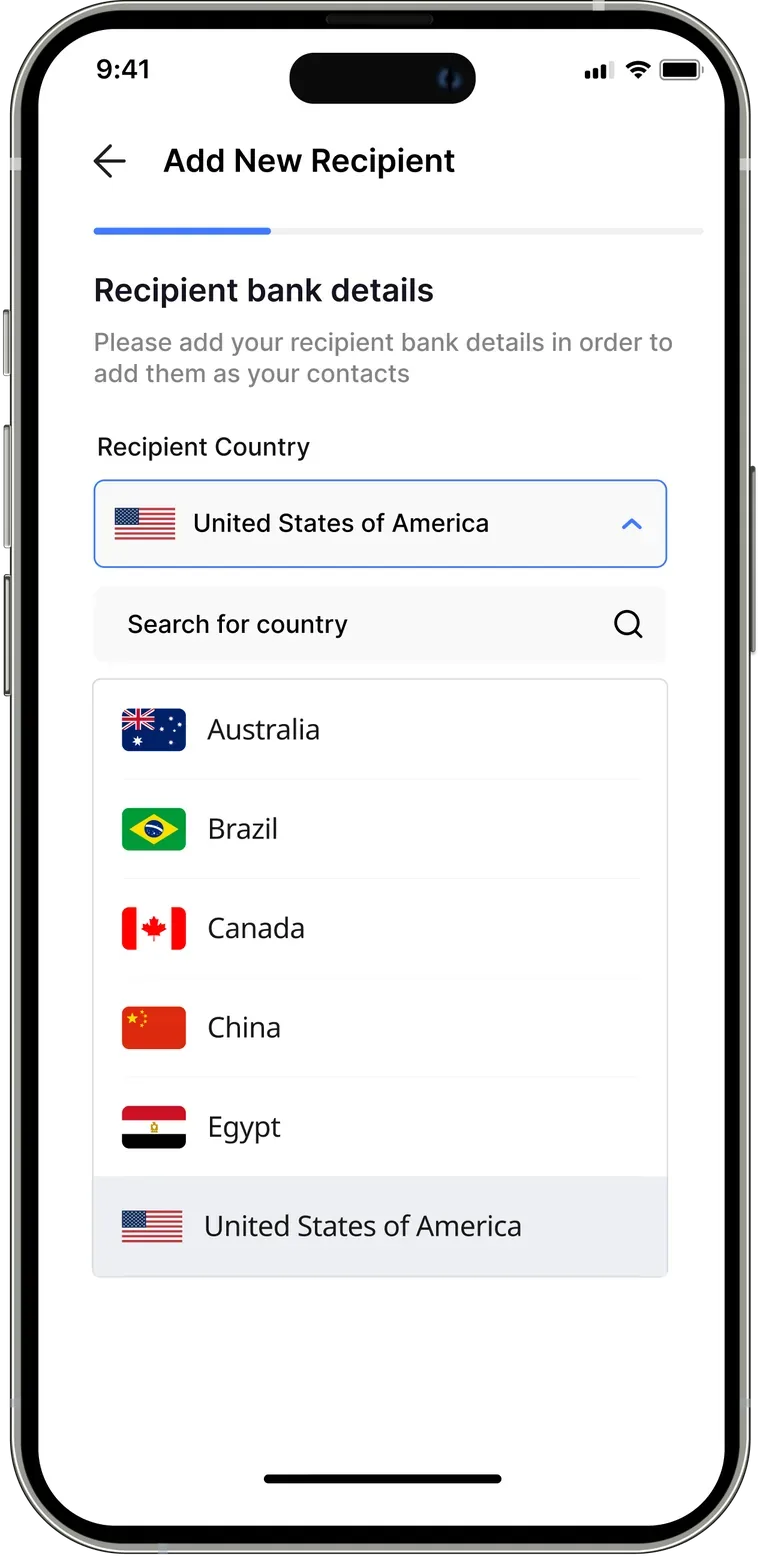
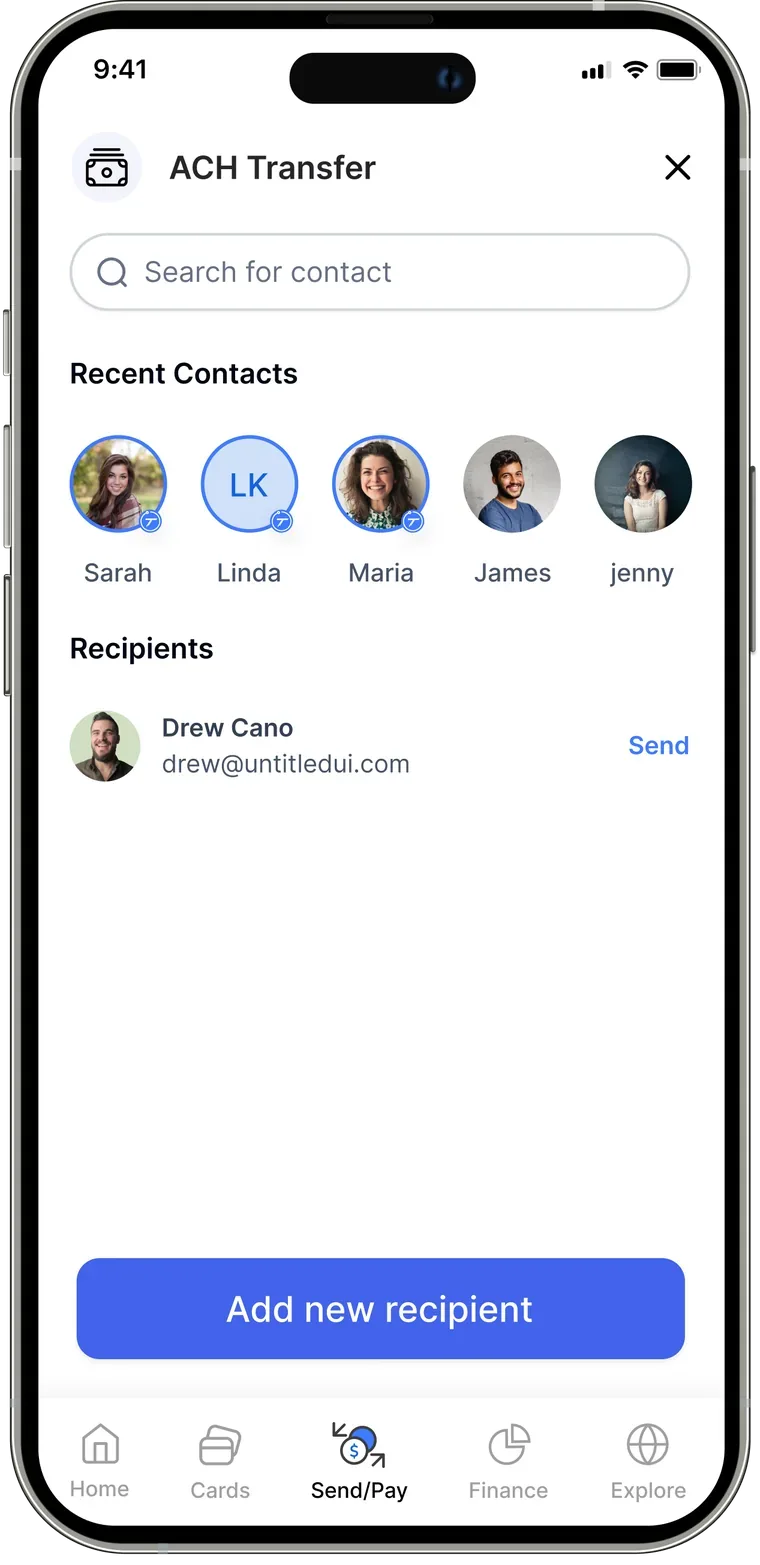
Adding a recipient has never been this easy.
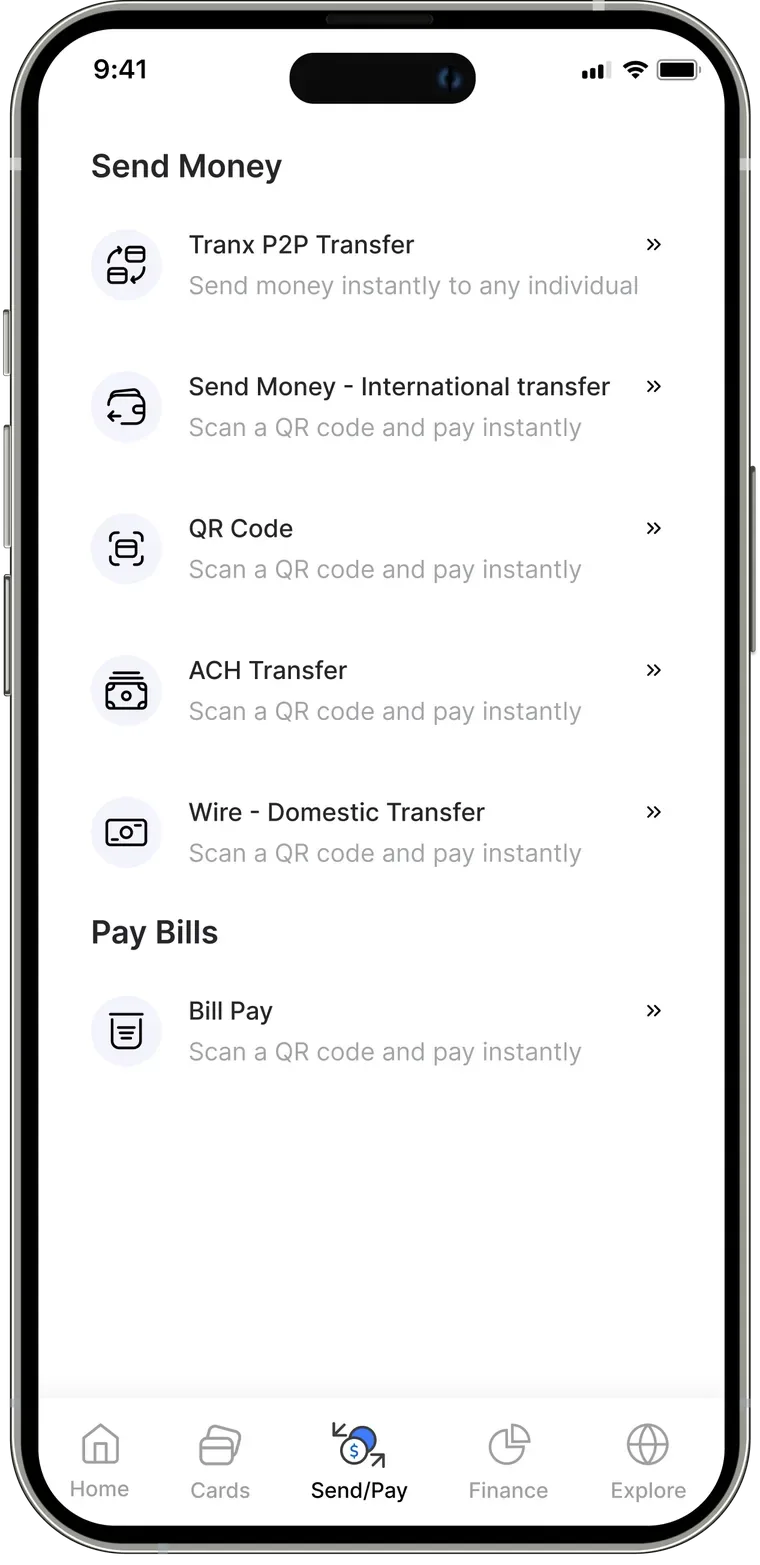
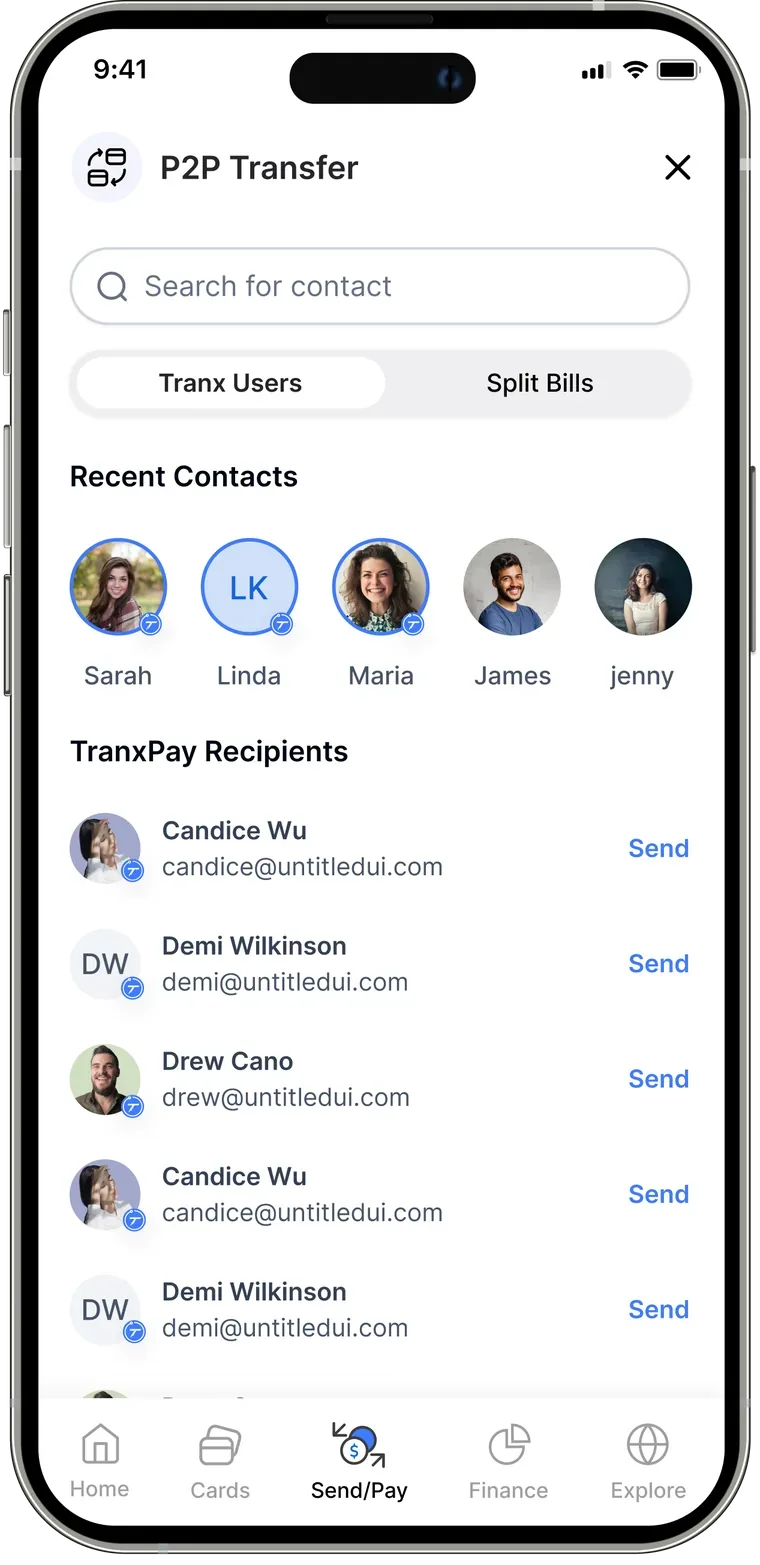
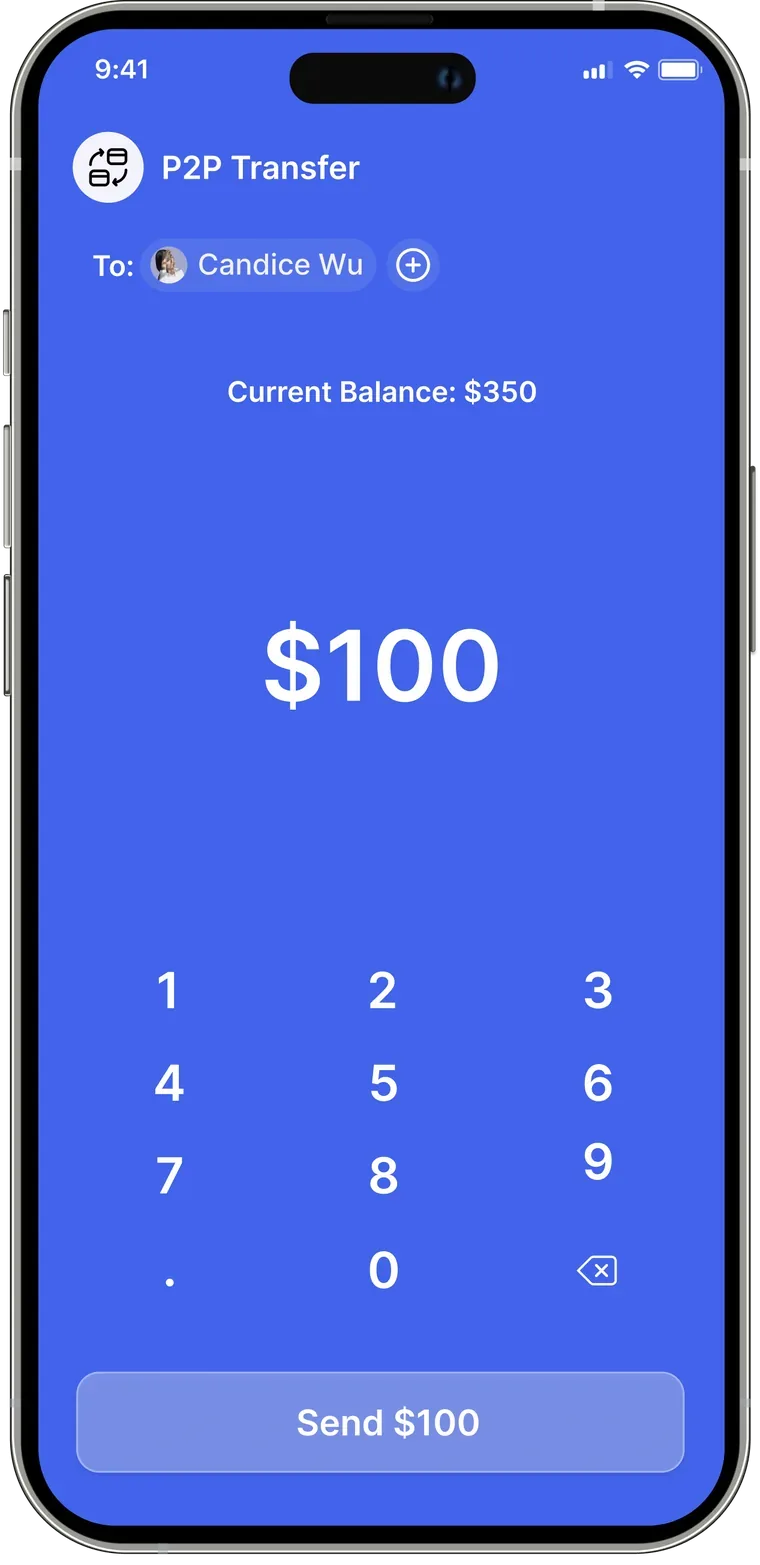
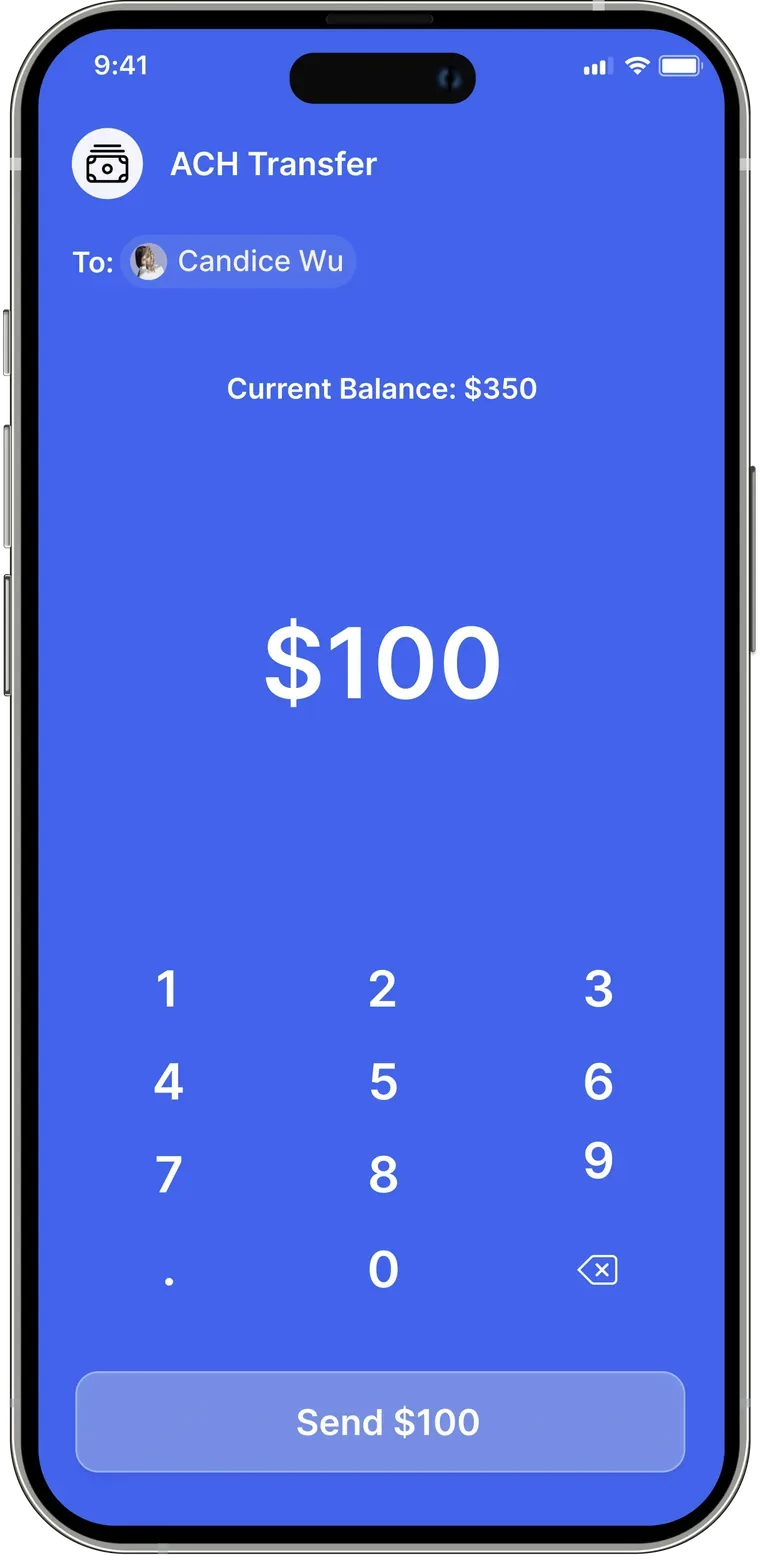
Send money through every channel — ACH, Wire, P2P, and QR code.
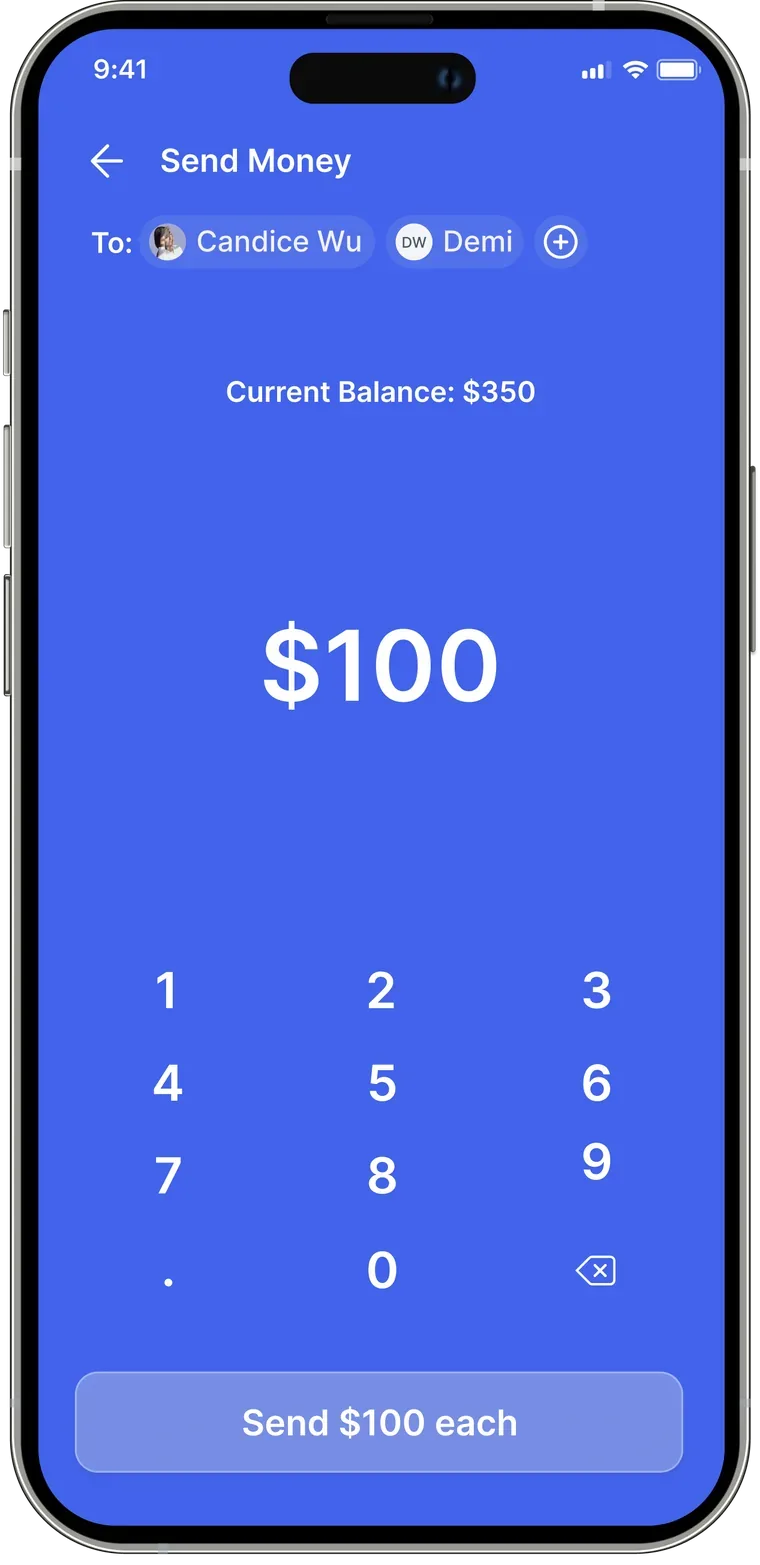
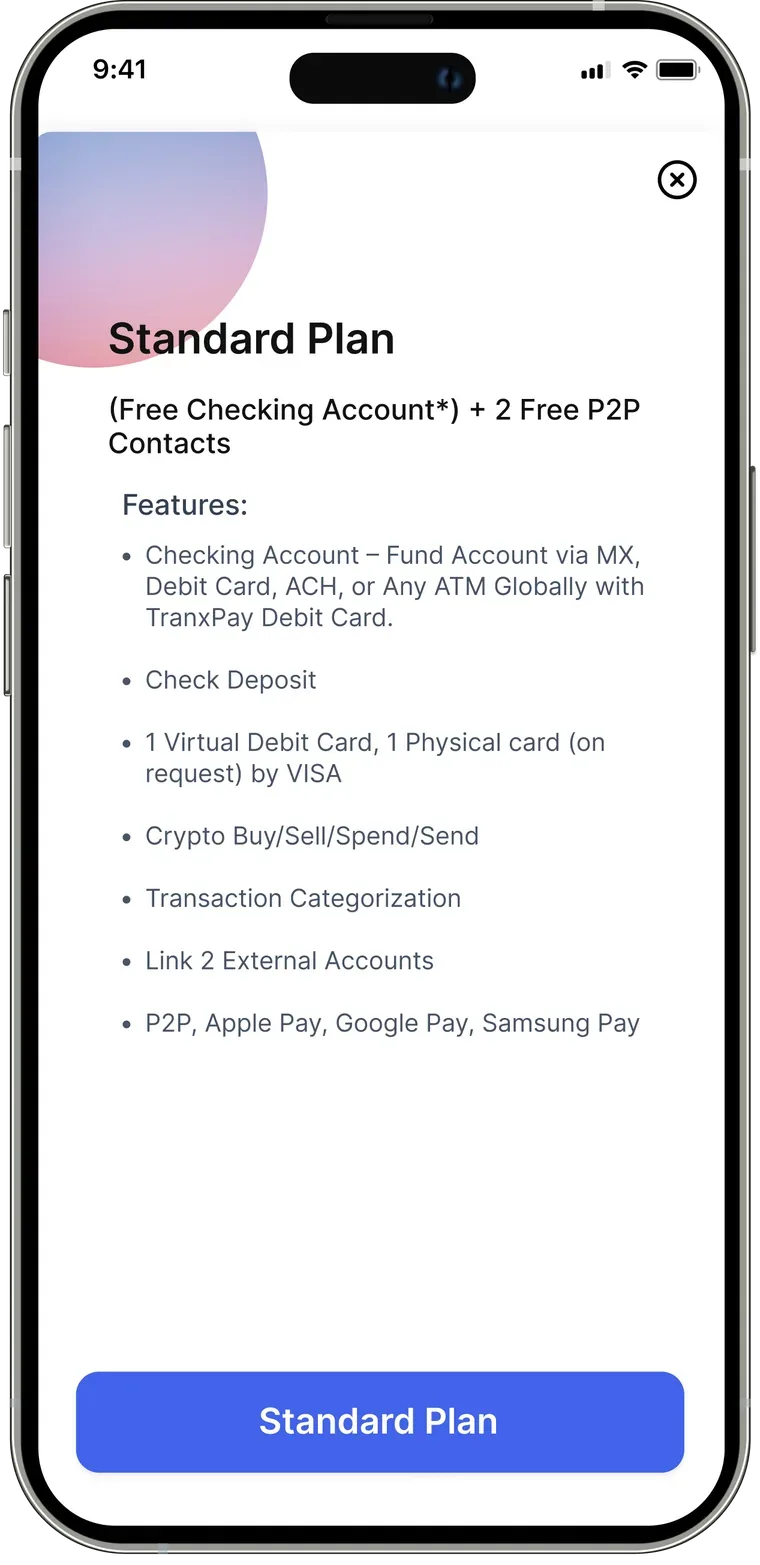
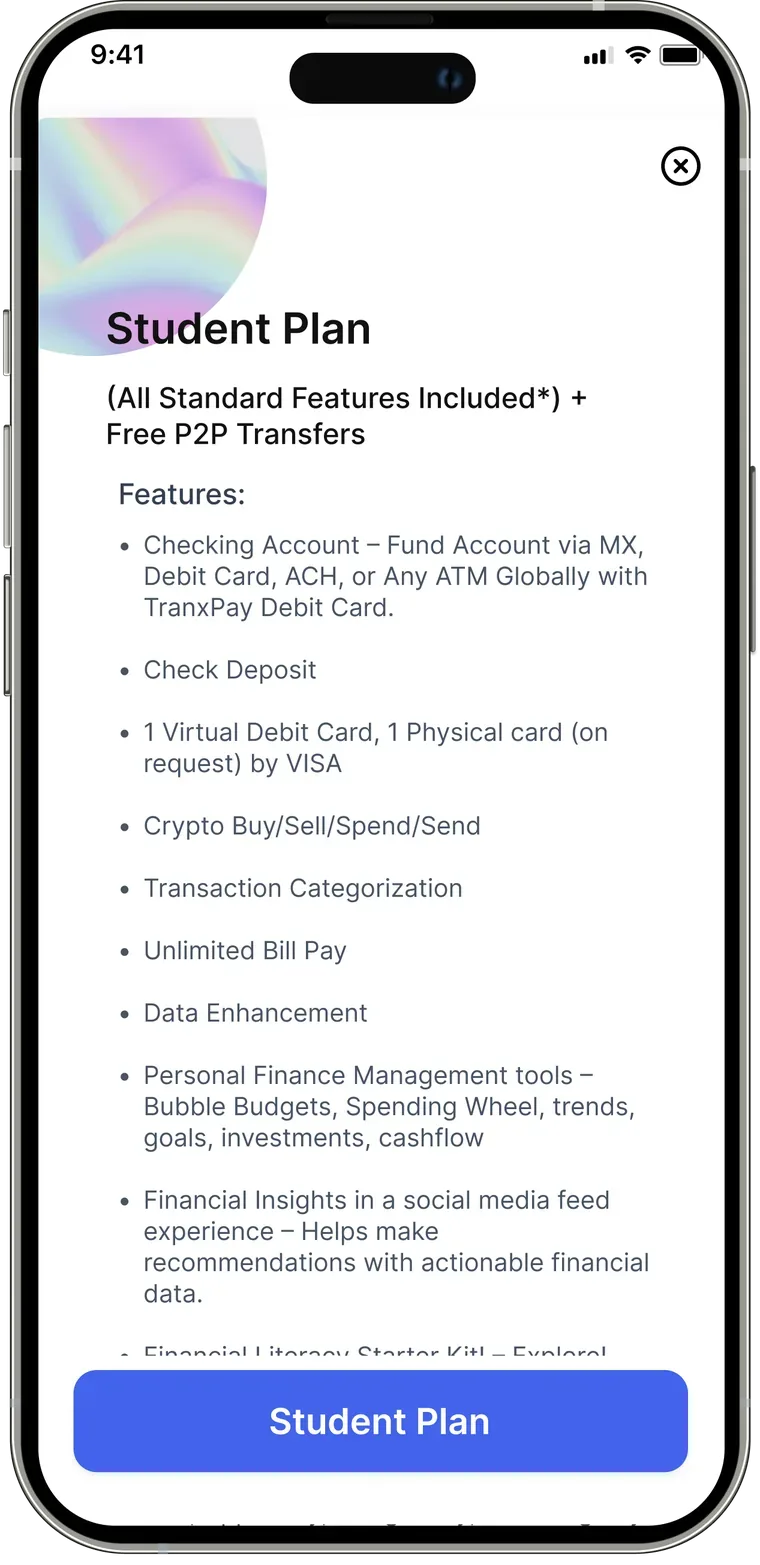
A subscription that works for everyone.
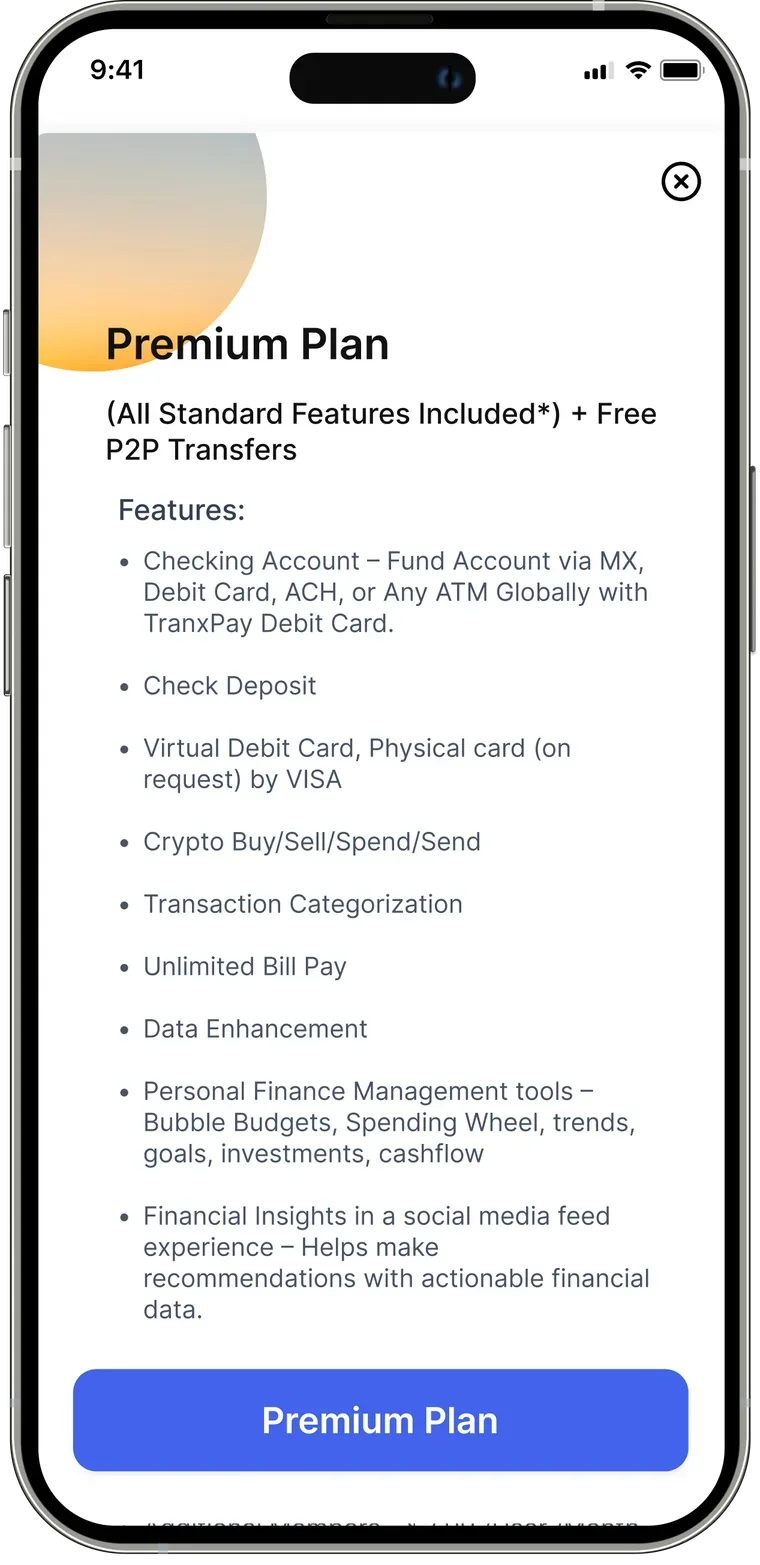
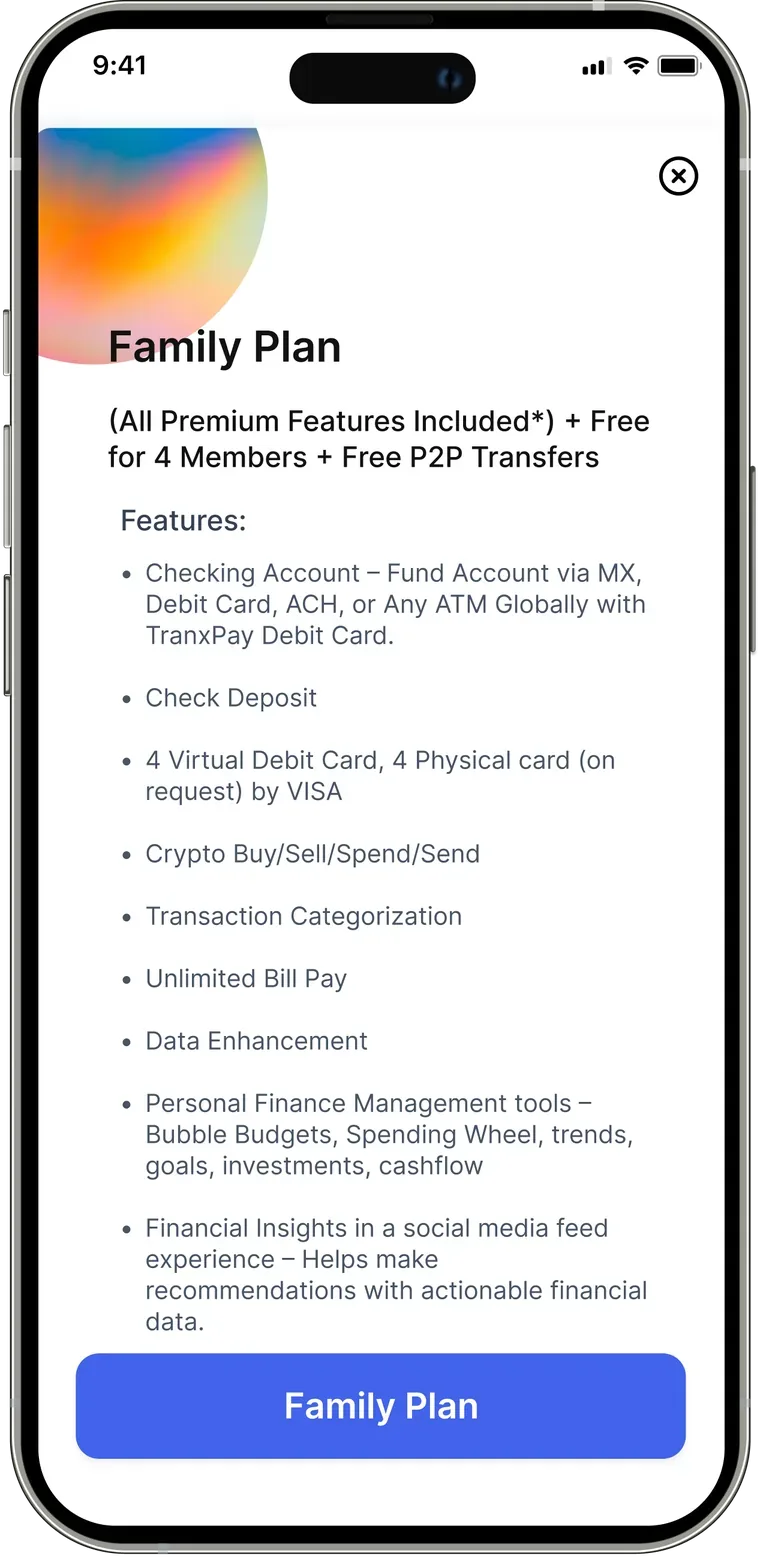
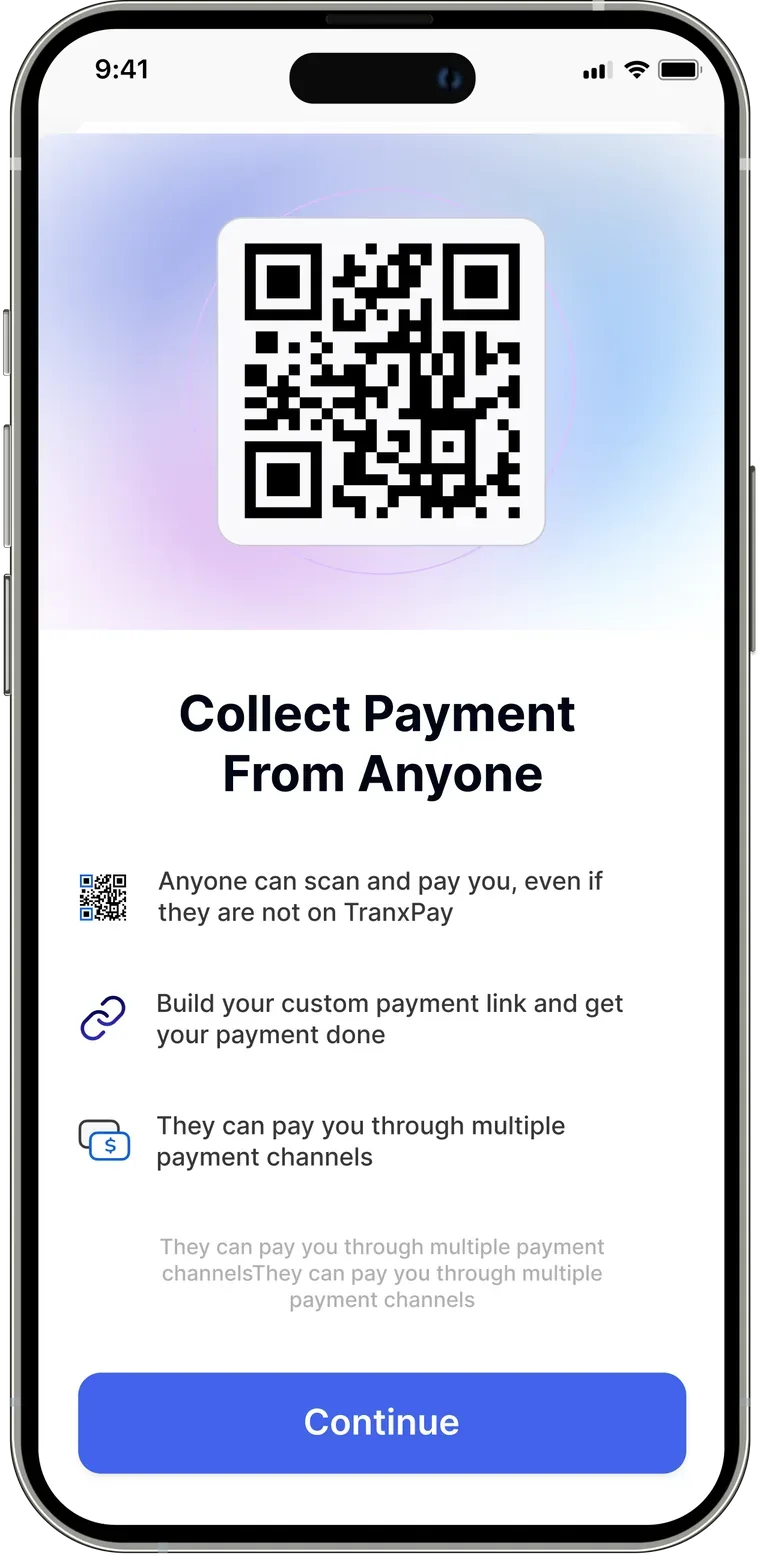
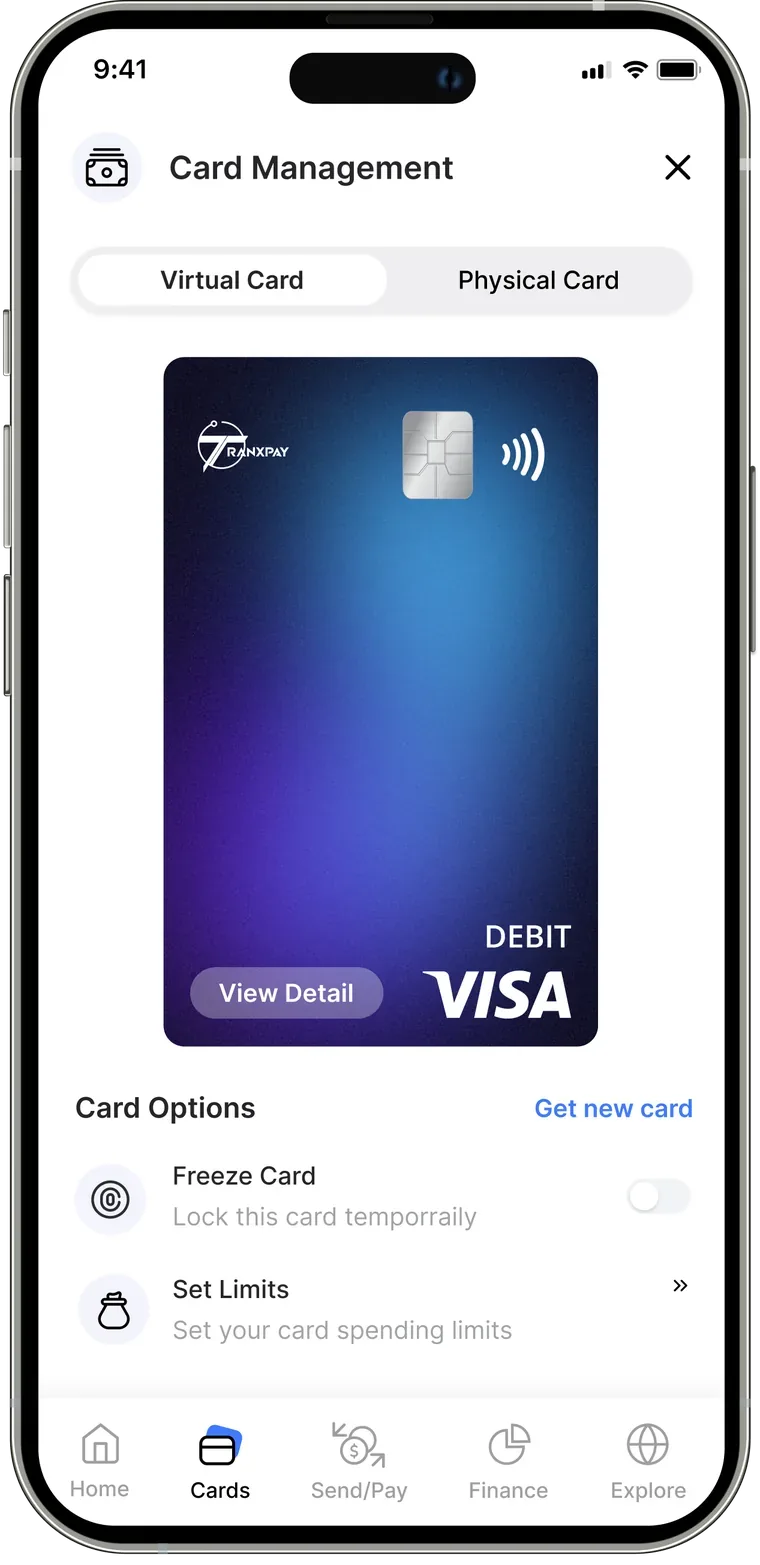
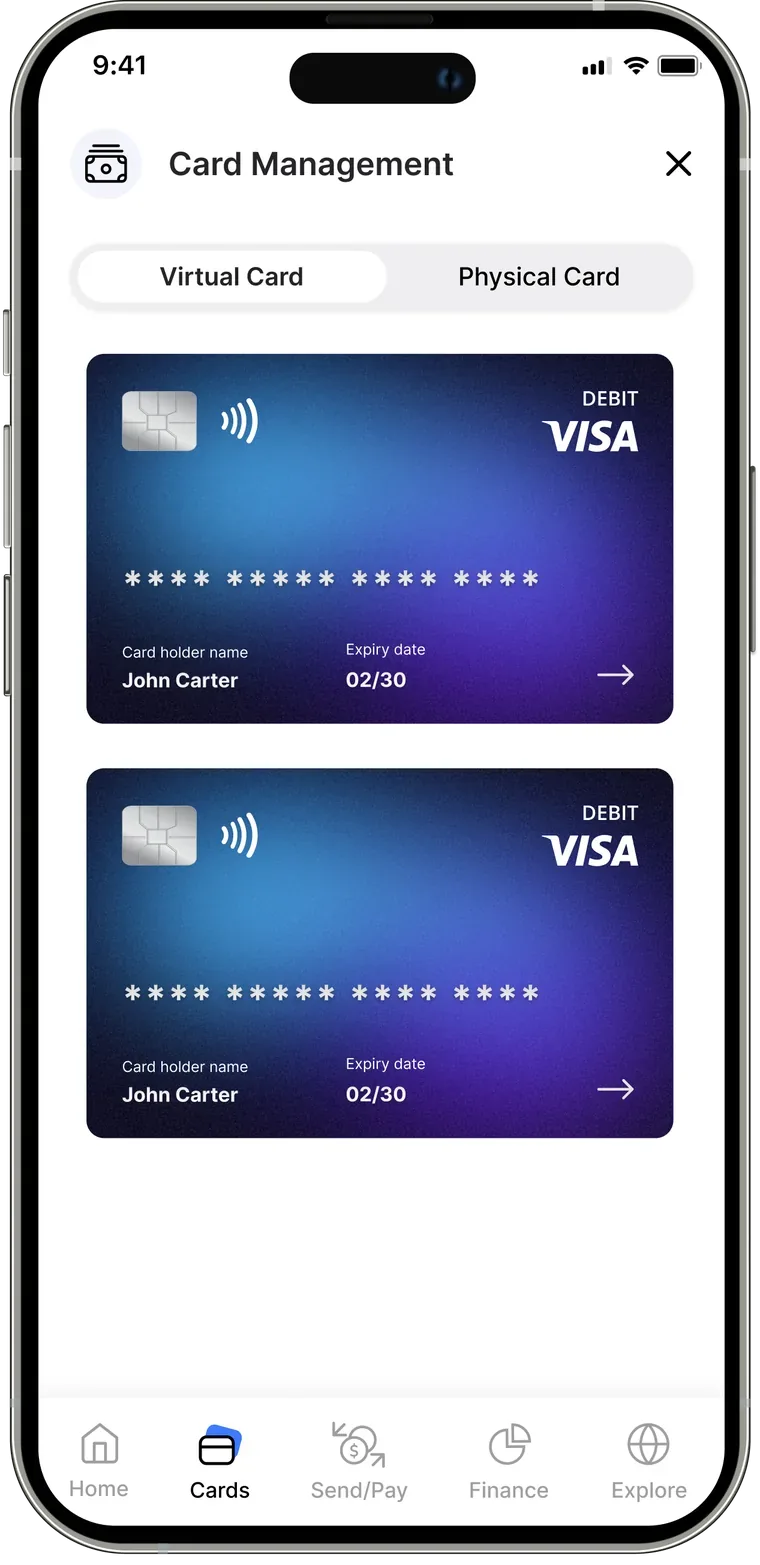
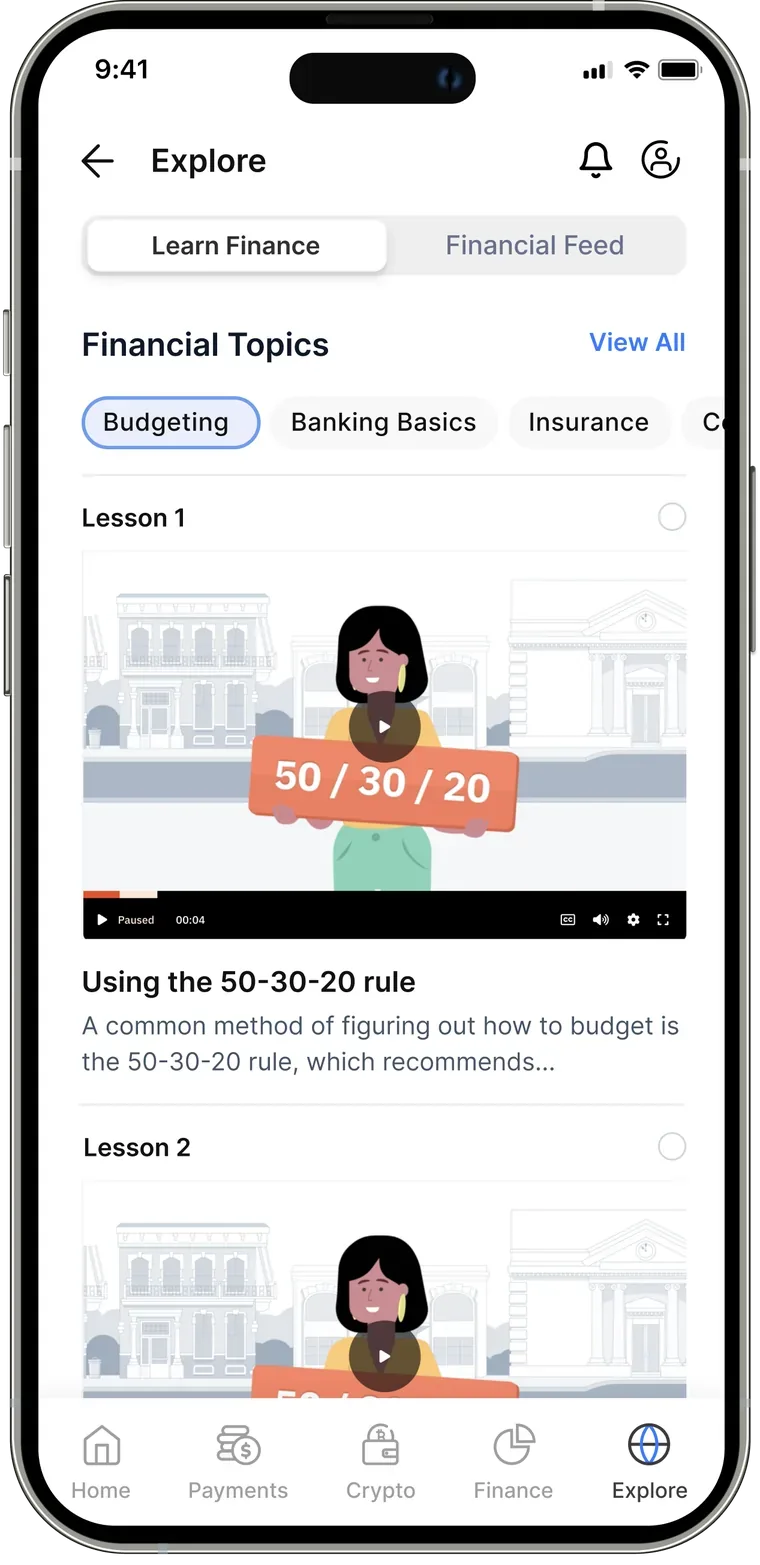
And many more thoughtful screens for the best possible experience.
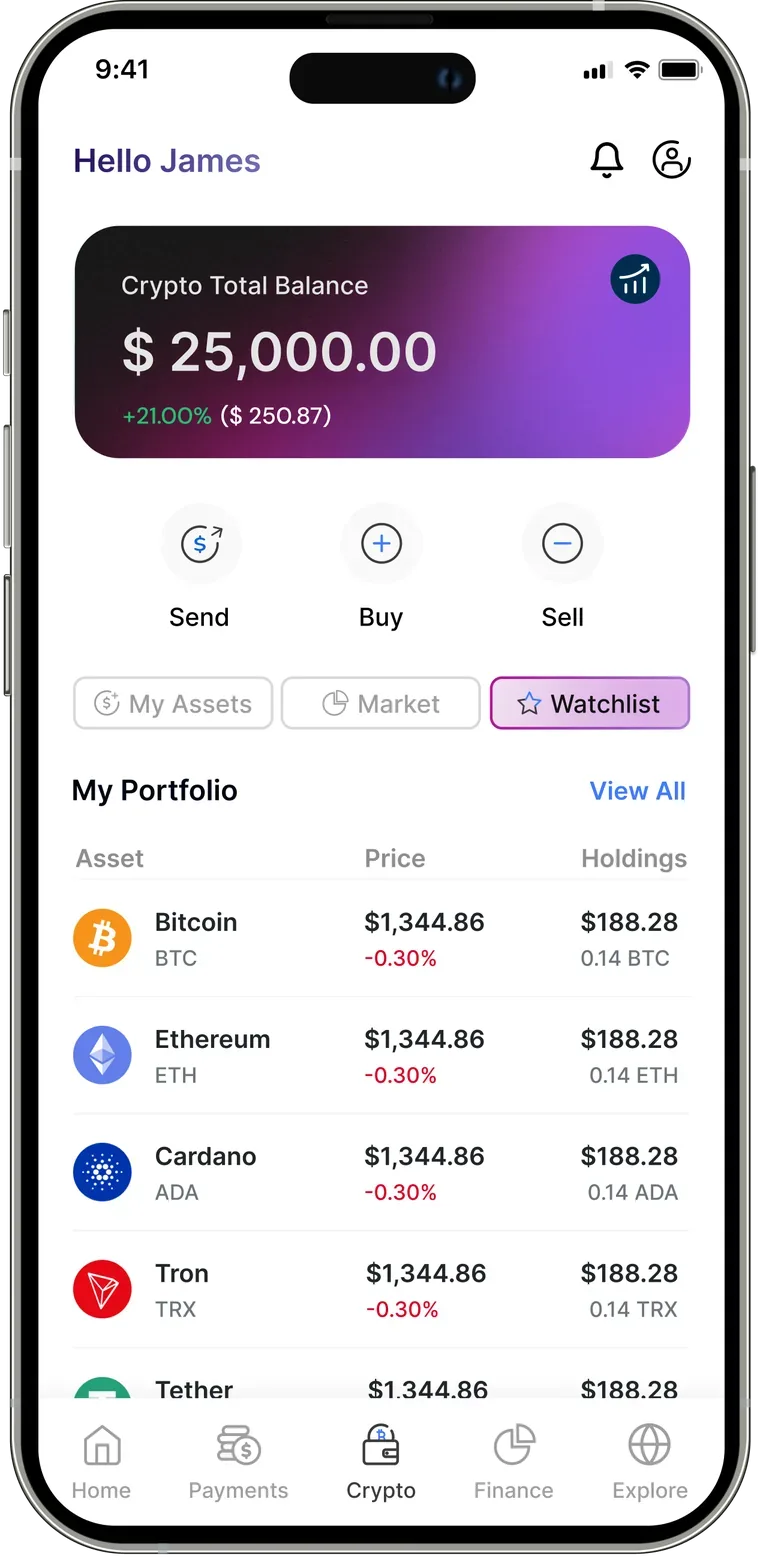
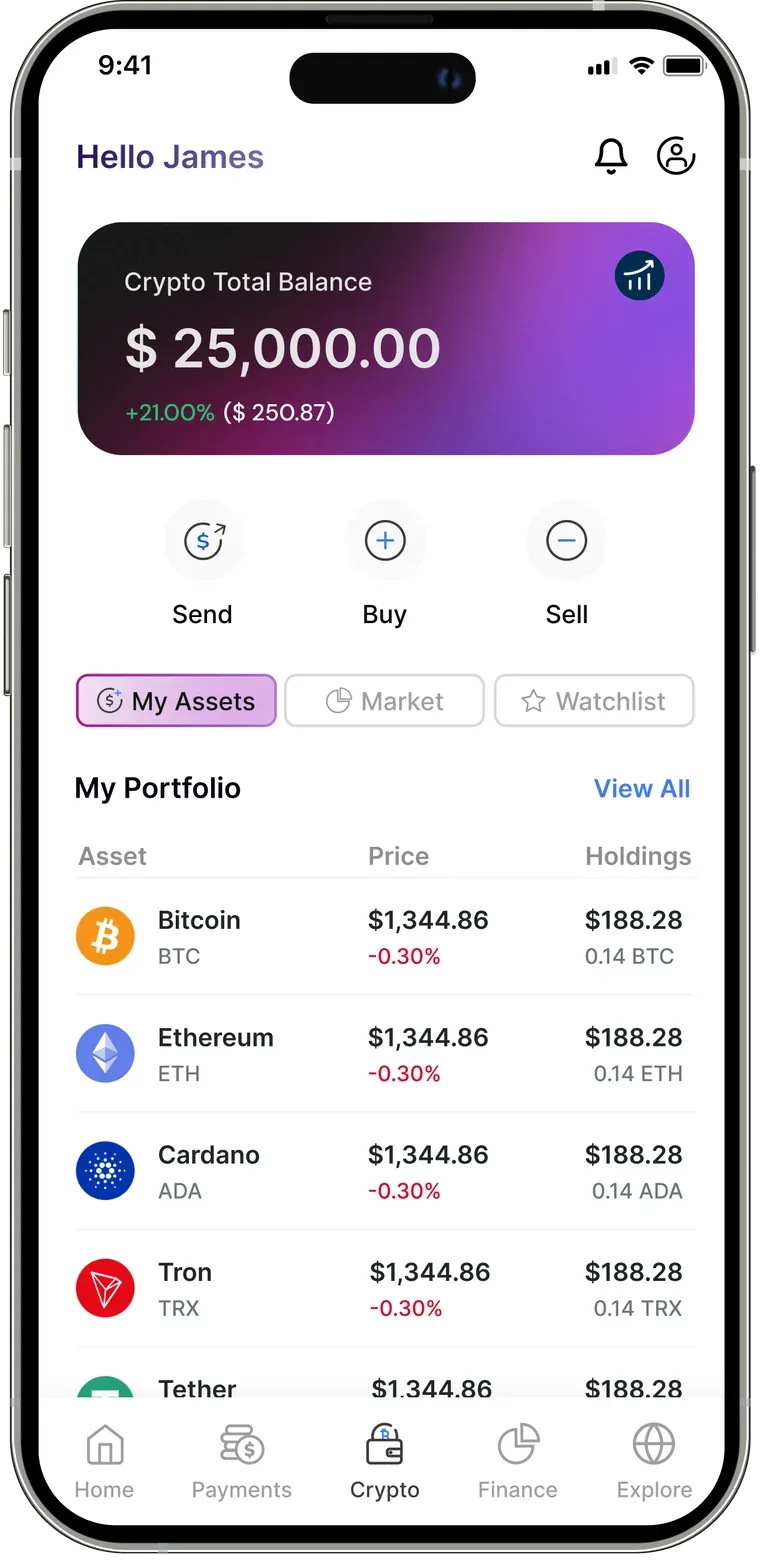
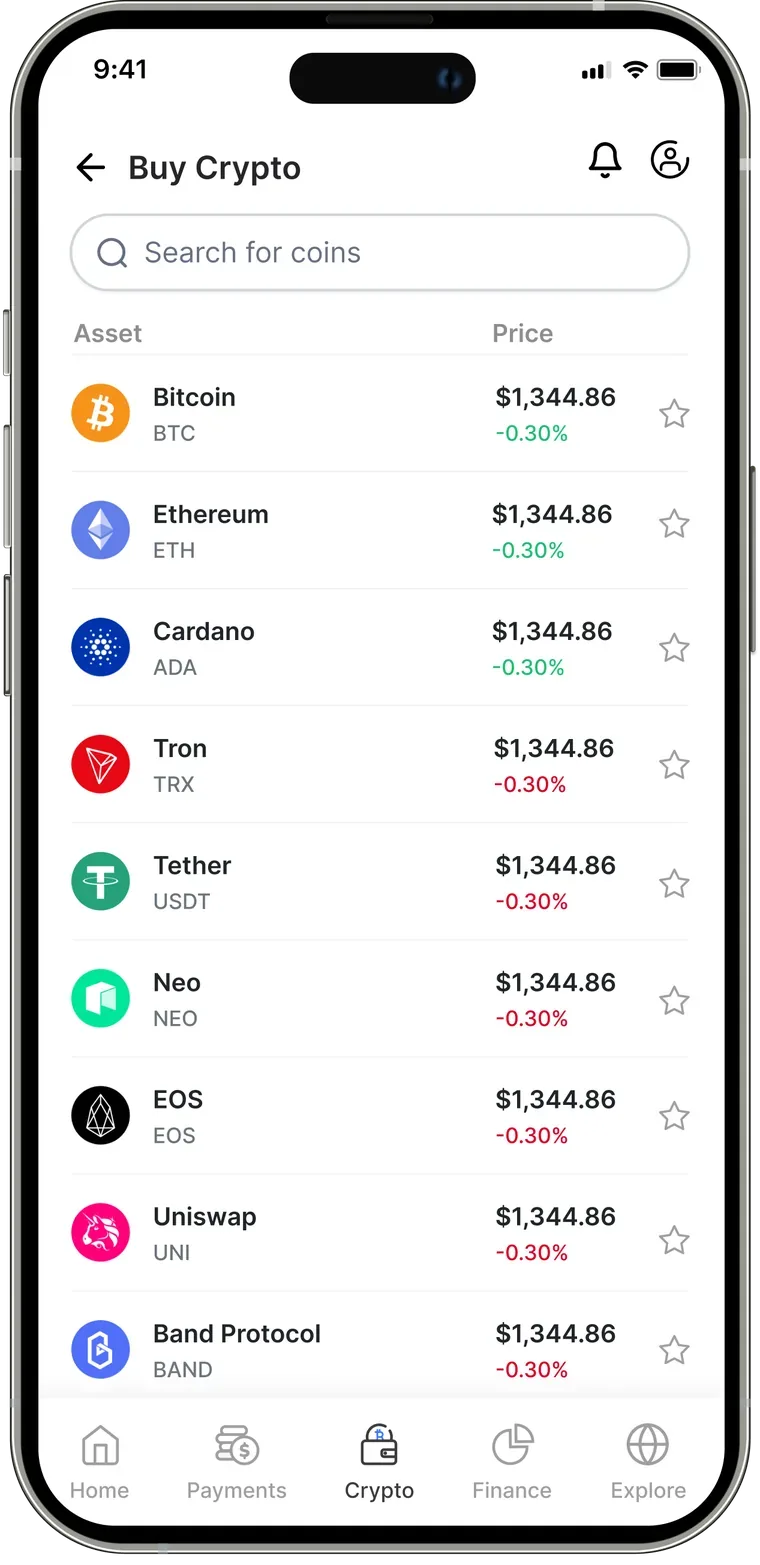
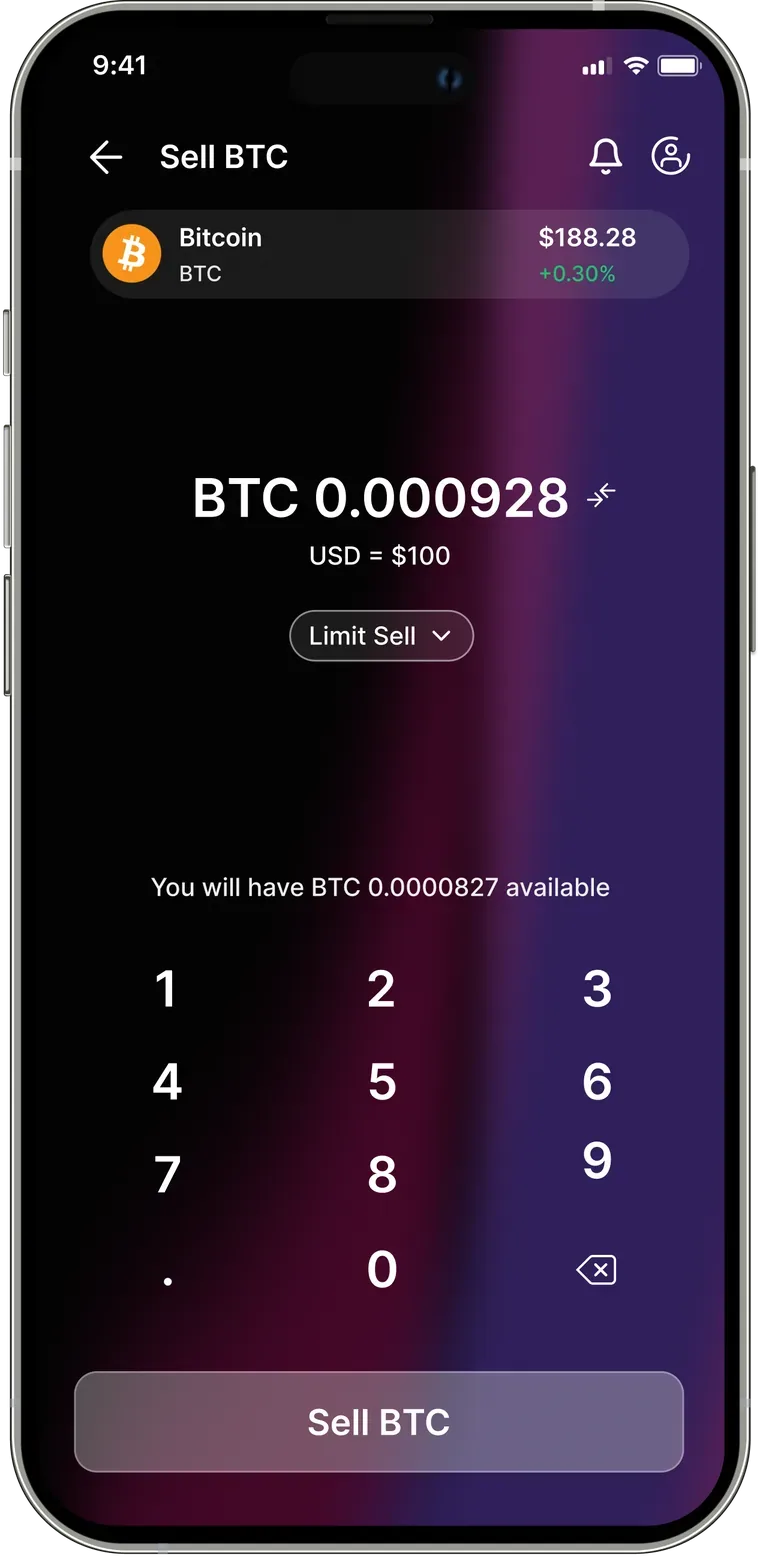
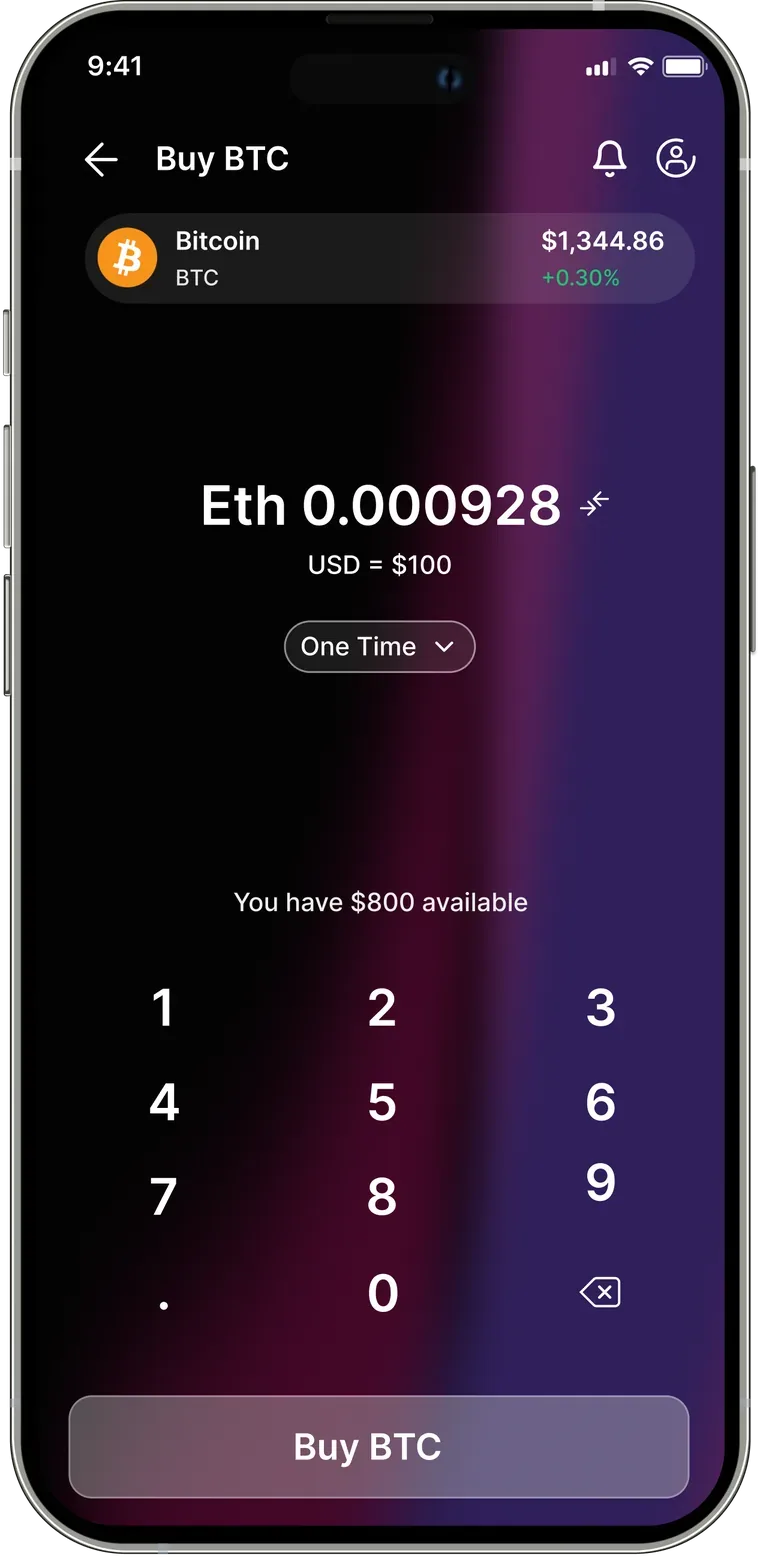
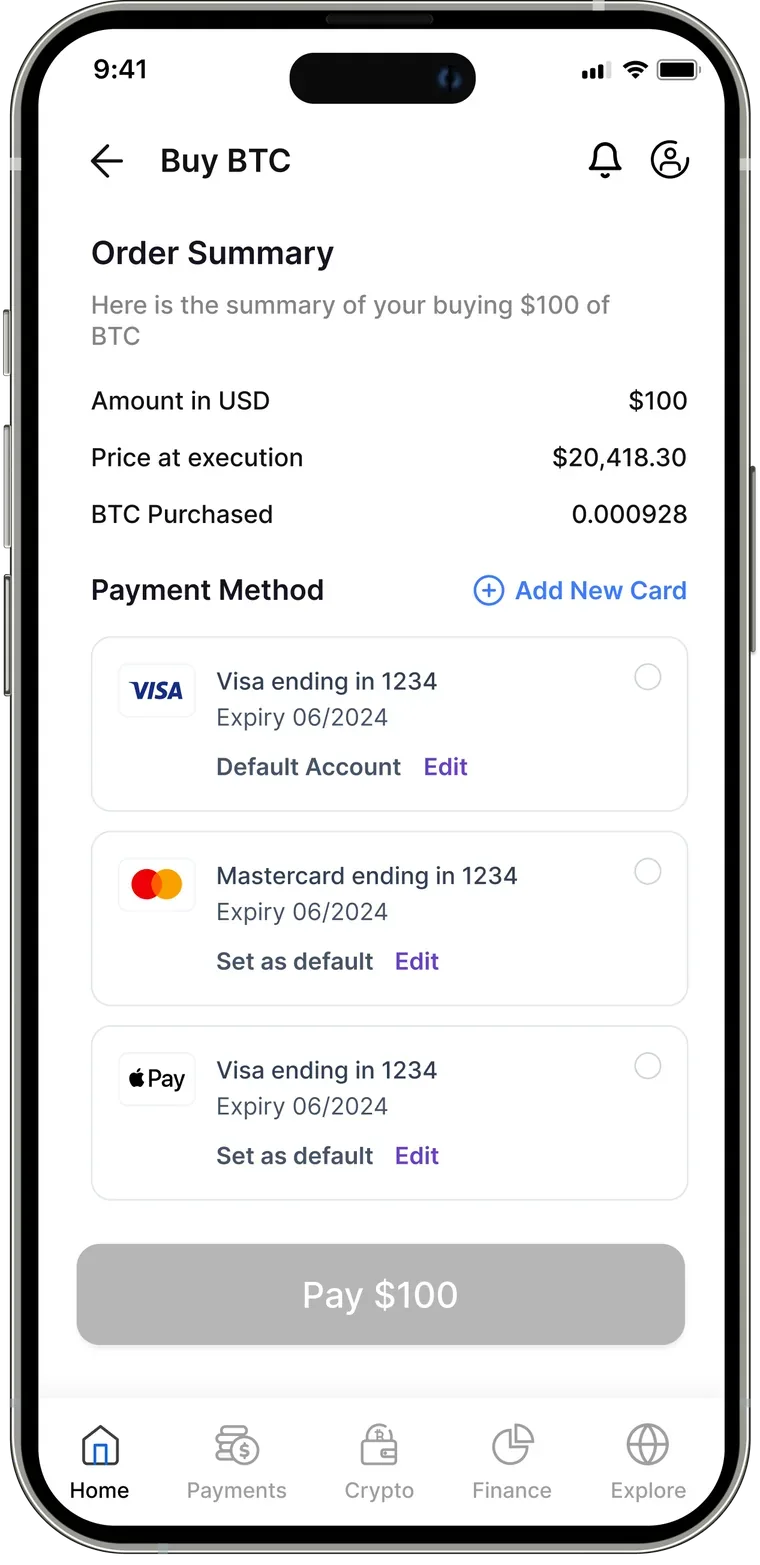
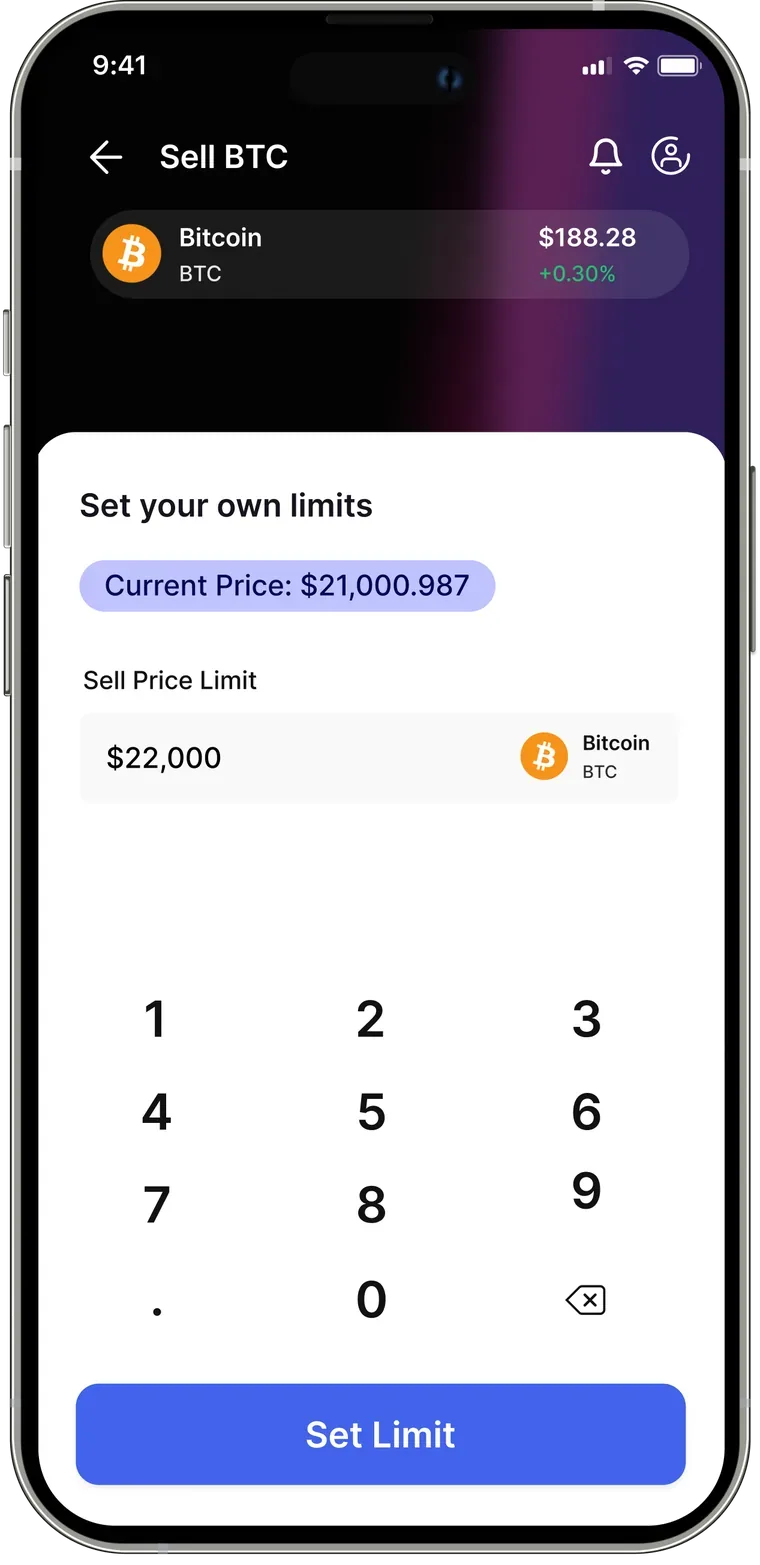
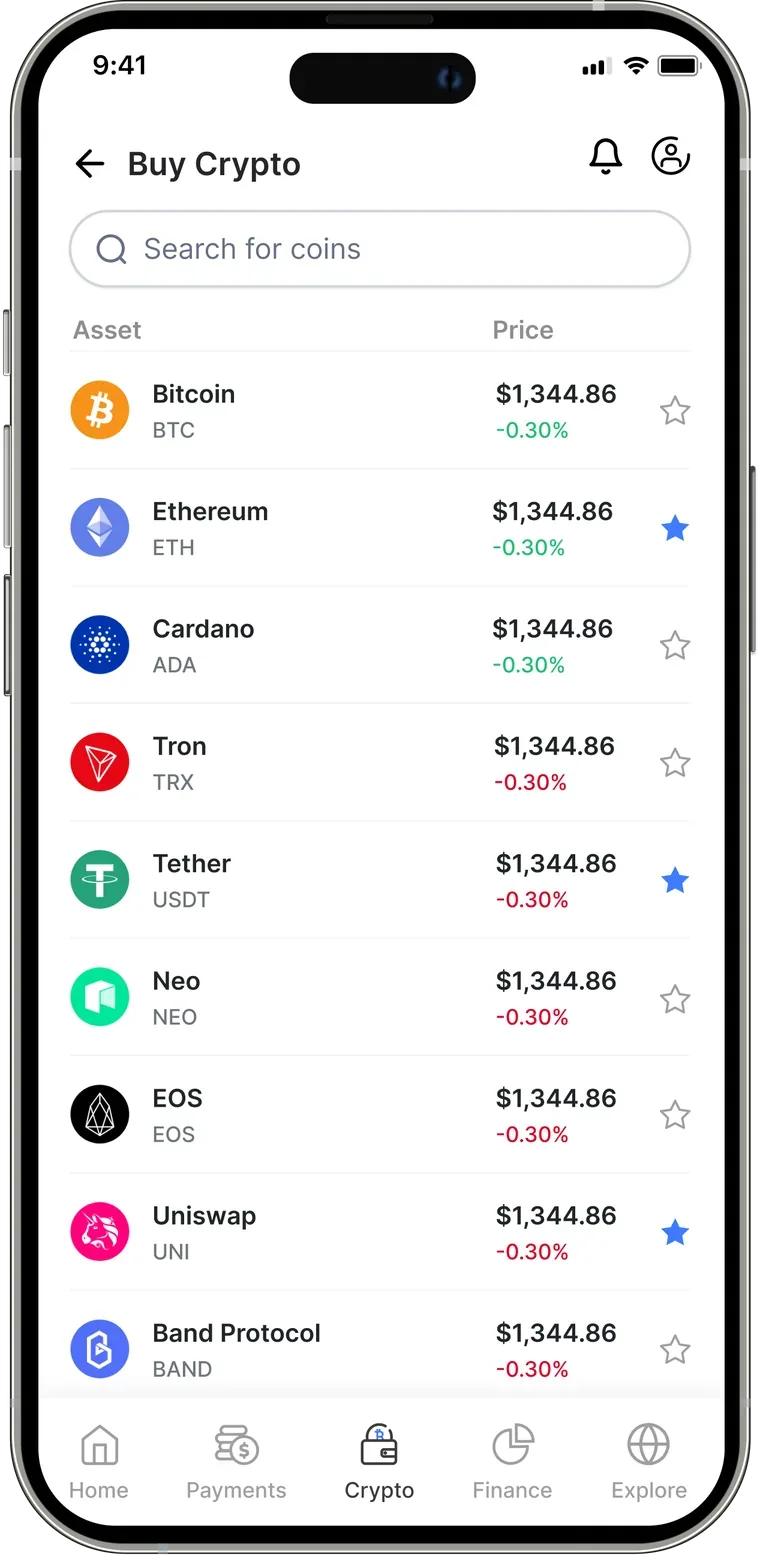
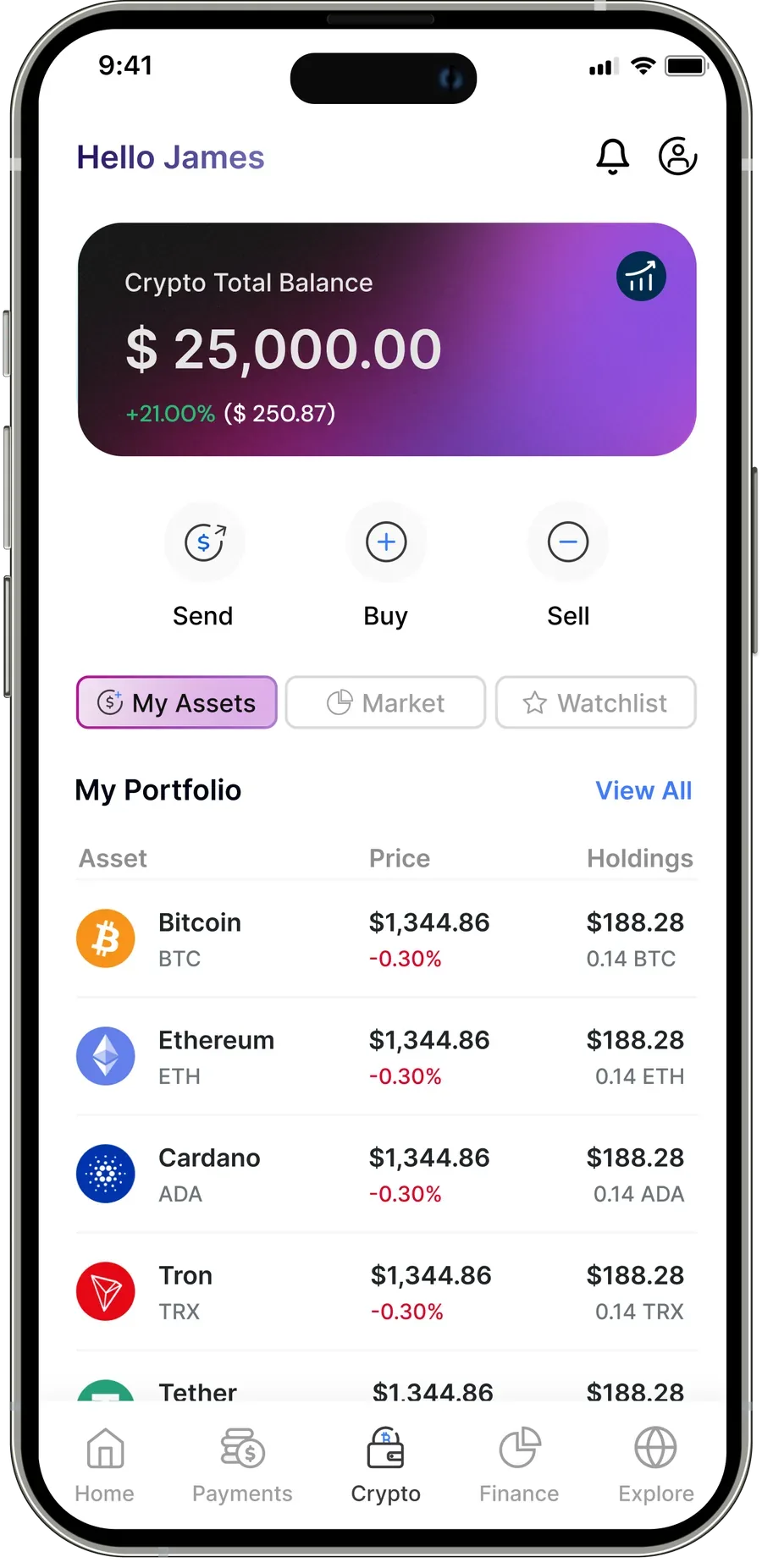
Buy, sell, limit-sell, watchlist — and send crypto to anyone.